The Best TVs Under $1,000, According to Experts
Save this article to read it later.
Find this story in your account’s‘Saved for Later’section.
Comment
Buying one of the best TVs used to mean spending a lot more than $1,000, but that situation has changed over the last few years. One reason is that relative newcomers such as Hisense and TCL have successfully challenged the supremacy of stalwarts like Samsung, Sony, and LG by offering high-quality TVs at reasonable prices. Another is that brands such as Roku and Amazon — known for making popular streaming devices — have themselves entered the TV market, selling affordable models that feature some of the cutting-edge technologies formerly found only in more premium TVs.
So if you’re looking for a great TV and want to spend under $1,000, you will now find a wide range of options to choose from — so many that you may find yourself needing a little help in narrowing the field. To that end, I enlisted a quartet of TV experts to suggest tips on what features and specifications to look for when shopping and to suggest the under-$1,000 TVs they’d personally recommend. As someone who has been writing about TVs for more than two decades, I feel qualified to add my own suggested TVs — some of which I’ve personally tested — to that list.
HowtochoosethebestTVunder$1,000
With a budget under $1,000, you won’t find models that deliver the very highest levels of performance when it comes to color, contrast, and brightness. And to get the most for you money, with a few exceptions you’ll likely be looking at the 55-inch screen size. But if you keep an eye out for specific features, you can get a great TV for the money. These features make the difference between a cheap, basic TV and a higher-performing — yet still budget-priced — model.
4K and high dynamic range
Almost all TVs above a few hundred dollars support 4K resolution, which provides four times as many pixels as standard HD resolution TVs for a more detailed-looking picture. Aside from 4K, one feature to pay attention to is high dynamic range (HDR) support. “HDR helps you see details in shadows and dark areas of the screen,” says James Holland, a TV reviewer for TechRadar. “Ideally, a TV will have Dolby Vision, HDR10+, and HLG format support.”
It’s important to note that not all TVs support all HDR formats — Samsung favors HDR10+ over Dolby Vision for its TVs, while LG models feature Dolby Vision but not HDR10+. Most other TV brands support Dolby Vision, HDR10+, and HLG, however, and that carries over to under-$1,000 models.
LED vs. Mini-LED vs. OLED
Anyone shopping for an under-$1,000 TV should primarily be looking at LED and mini-LED models, rather than the latest OLED models. Those terms refer to the types of tech used in an LCD TV’s backlight (LEDs are used to illuminate the LCD panel), and the specific backlighting tech version found on different TVs can have a big effect on picture quality.
“If the TV you have in mind says ‘edge lit’ or ‘edge-based lighting,’ steer clear,” says Nick Pino, managing editor, TV & AV at Tom’s Guide. “This means that all the lighting elements are located on the perimeter of the screen rather than behind the LCD panel, and that results in a dimmer picture with worse contrast than TVs with ‘full array’ lighting.”
Beyond full-array lighting, a TV’s local dimming capability also impacts picture quality. Asked to define this feature, TechRadar’s James Holland replied, “It means the backlighting on a TV consists of multiple individual zones that light up different portions of the screen, which helps to improve picture contrast and clarity. The more local dimming zones the better, and while TVs under a grand probably won’t specify how many zones there are — after all, they can’t compete with more expensive, better TVs in this area — the manufacturer should at last advertise that the TV has ‘full local array dimming’ or language to that effect.”
TV shoppers on a strict budget may mostly be limited to LED and mini-LED models, but there are a few under-$1,000 OLED TV options in the smaller screen size (55 inches and under) range. “OLED is widely regarded as superior to mini-LED because each individual pixel can be turned on and off,” says Tom’s Guide’s Nick Pino. “This results in deeper black levels and incredible contrast.”
Chris Boylan, TV and AV editor at eCoustics, is similarly bullish on OLED tech, even at the budget range. “Shoppers who value picture performance over everything else may be able to find an entry-level OLED TV from LG, Samsung or Panasonic for under $1,000, though you might need to look at the previous year’s models in order to find the best deals.”
While a fan, Boylan also cautions that OLED TVs might not be a good fit for all viewing environments: “At the entry-level $1,000 price point, OLED TVs can be a little less bright than comparably priced LED and mini-LED models, which means they may not be the best choice for bright rooms.”
There are other shopping considerations for viewers who typically watch TV shows in bright room lighting. “If you watch mainly during the day in a bright room, how the TV’s screen handles glare will be really important,” says Residential Systems’ John Sciacca. Budget TVs tend to lack the anti-reflective screen coatings found in higher-end sets, so it will be important to check both manufacturer specifications and reviews of particular models to see if they provide an anti-glare feature. High picture brightness also helps reduce the effects of screen glare, and while budget TVs tend to have lower brightness than pricier ones, models that use mini-LED backlighting are generally brighter than both standard LED and OLED TVs.
Gaming, sports, and high refresh rates
A high refresh rate is another feature increasingly found in TVs priced under $1,000, and it’s one that TechRadar’s James Holland finds to be important. “While the basic 60Hz is more than enough for movies and typical TV shows, getting a TV with a higher refresh rate of at least 120Hz will help with a clearer, smoother image for sports and gaming.”
For sports, a 120Hz or higher refresh rate can reduce the level of motion blur in fast-action games, and it also helps to eliminate judder (a picture artifact where objects take on a “wobbly” look in shots with camera motion) in movies. The latest generation Xbox and PlayStation consoles also support games with a 120Hz output, which requires a TV with a 120Hz refresh rate to take advantage of that feature.
Best brands, and what to know about smart TVs
With relative newcomers such as Hisense, TCL, Amazon, and Roku broadening the TV field, brand is a less crucial consideration than it used to be. Still, there are reasons to stick with a particular brand. “If buying multiple TVs for a home, I’d recommend getting all the same brand,” says Residential Systems’ John Sciacca. “This will provide a similar user experience from room to room without having to learn how to navigate different interfaces.”
By “interfaces,” Sciacca means both a set’s menu and remote-control layout and its smart-TV interface, a subject that Chris Boylan of eCoustics has plenty to say about. “In the $500 to $1,000 range, there aren’t huge differences in TV performance. Most budget TVs from major brands like Samsung, TCL, Hisense, Sony, and LG offer solid picture performance, so I’d recommend looking closely at the user interface, because this will impact your enjoyment of the TV over time.”
As for interface differences between brands, here’s what Chris Boylan had to say: “Amazon’s Fire TV platform is robust but can be a bit ad-heavy. Google TV, as found on Sony, TCL, and Hisense, also offers a wide selection of apps and gaming options but favors YouTube in its search results. LG’s WebOS is a spiffy operating system, but some find their magic remote a bit unwieldy. Samsung also offers a proprietary OS called Tizen, which offers a good selection of apps without much in the way of advertising. And both LG and Samsung offer five- to seven-year OS updates so you know your TV won’t be outdated in its user interface or streaming-app access in just a few years.”
What else you’ll need to get the best picture (and sound)
John Sciacca, an AV-product reviewer for Residential Systems who has also designed and installed custom systems professionally for over 28 years, recommends wall-mounting any TV you buy: “This not only gets it to a good viewing height, but it also makes the room feel deeper because you are eliminating that eye-stopping point of the TV sitting two feet in front of the wall.”
To that, I’d recommend that you buy a soundbar along with your TV. TVs in the budget range tend to have lower-powered, downward-firing built-in speakers, and the sound from these can lack clarity, especially with movies. Even a low-cost soundbar can provide a significant audio-quality improvement, improving both dynamics and dialogue intelligibility.
Best TV under $1,000 overall
New! You can now save this product for later.
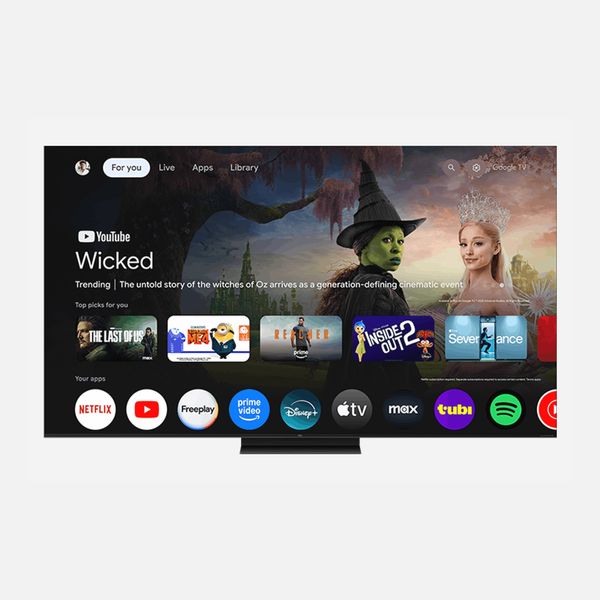
Screen size: 55- to 98-inches;Formats: Dolby Vision and HDR10+;Inputs: 4 x HDMI 2.1 ports with 144Hz support;Audio: 2-channel Dolby Atmos and DTS:X audio with Dolby Atmos FlexConnect support;Smart platform: Google TV
Each one of our experts mentioned TCL’s QM7 series TVs as a top under-$1,000 pick. John Sciacca cited the new 55-inch QM7L’s high picture brightness as one factor that would make it a great option for viewing in a well-lit room, and that same quality would enhance any movies watched in HDR. The QM7L is also the least expensive TCL TV to feature the company’s new Super Quantum Dot technology, which expands the set’s color range beyond what most TVs are typically capable of displaying. An anti-reflective screen helps to reduce screen glare on the QM7L, which uses the Google TV smart platform for streaming and features Audio by Bang & Olufsen built-in sound.
Best TV under $1,000 for great sound
New! You can now save this product for later.
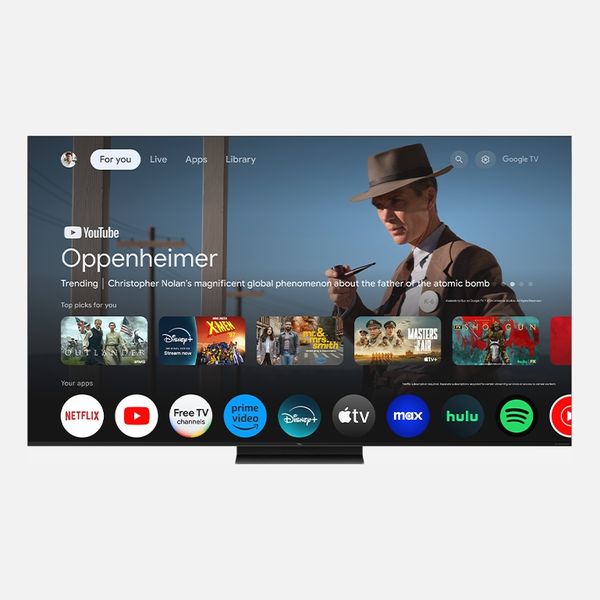
Screen size:55- to 115-inches;Formats: Dolby Vision and HDR10+;Inputs: 4 x HDMI (including 2 x HDMI 2.1 ports with 144Hz support);Audio: 2-channel Dolby Atmos and DTS:X audio; Bang & Olufsen speaker system;Smart platform: Google TV
A 2025 series, the TCL QM7K has received deep discounts since it first launched and can be had at a significant savings over the newer models. The TCL QM7K features a standard Quantum Dot display panel but nearly rivals the new QM7L series when it comes to picture brightness, making it another great option for viewing in a well-lit room. Similar to the QM7L series, the QM7K uses Google TV for streaming and has Audio by Bang & Olufsen built-in sound.
Best TV under $1,000 with AI enhancements

New! You can now save this product for later.
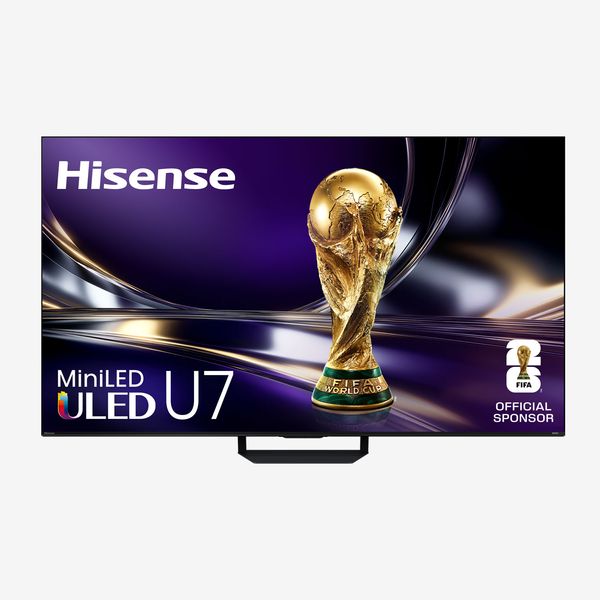
Hisense U7SG ULED Mini-LED 4K Google TV - 55"
Screen size:55 to 116 inches;Formats: Dolby Vision and HDR10+;Inputs: 4 x HDMI ports(including 2 x HDMI 2.1 ports with 144Hz support);Audio: 2.1.2-channel Dolby Atmos and DTS:X audio;Smart platform: Google TV with Gemini Assistant
The Hisense U7 series tops James Holland’s list of under-$1,000 TVs, and the new Hisense U7SG can be found for less than $750 in a 55-inch screen size. This TV’s high brightness and anti-reflection screen make it another great option for bright-room viewing, and with a specified 3,000 local dimming zones, it also has powerful contrast and deep blacks for movies. The U7SG’s native 165Hz display makes it a solid option for both console and PC gaming, and its Google TV smart interface is enhanced with the Gemini Interactive AI feature.
Best TV under $1,000 for bright rooms
New! You can now save this product for later.
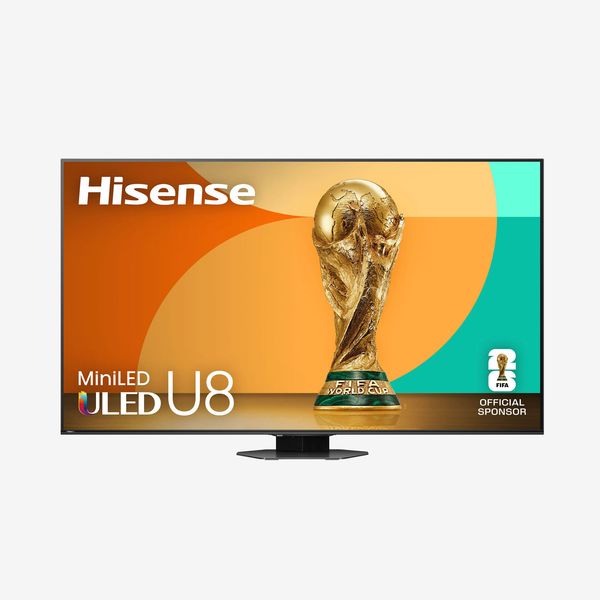
Screen size:55 to 100 inches;Formats: Dolby Vision and HDR10+;Inputs: 3 x HDMI 2.1 ports with 165Hz support;Audio: 4.1.2-channel Dolby Atmos and DTS:X audio;Smart platform: Google TV
The Hisense U8QG series was one of the best TVs I personally tested in 2025, and it’s a steal at its current discounted price. This TV also delivers exceptional brightness, and that factor, plus its anti-reflection screen, makes it perfect for viewing in bright rooms. Like the new Hisense U7SG series, the U8QG also has powerful local dimming for movies and 165Hz support for gaming. Google TV is also onboard for streaming, but the U8QG lacks the Gemini Interactive AI feature found on 2026 Hisense TVs.
Best OLED TV under $1,000
New! You can now save this product for later.
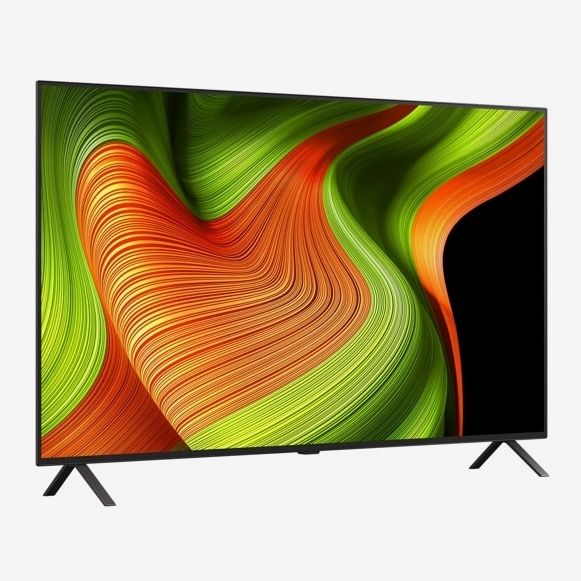
Screen size:48 to 83 inches;Formats: Dolby Vision and HDR10+;Inputs: 4 x HDMI 2.1 ports with 120Hz support;Audio: Two-channel Dolby Atmos;Smart platform: webOS
Another unanimous top pick among our TV experts, the LG B5 is the only OLED TV on this list. Chris Boylan cited its “excellent black levels and nice color” but added that it “does require that you dim the lights a bit,” since it has lower picture brightness than mini-LED TVs in the same price range and also more expensive OLED TVs from LG and others. Otherwise, the B5 has 120Hz support for console gaming, and it uses LG’s well-regarded, proprietary webOS platform for streaming. A 2025 model, the B5 can now be found for around $800, which is a fantastic price for a 55-inch OLED TV.
Best Roku TV under $1,000
New! You can now save this product for later.
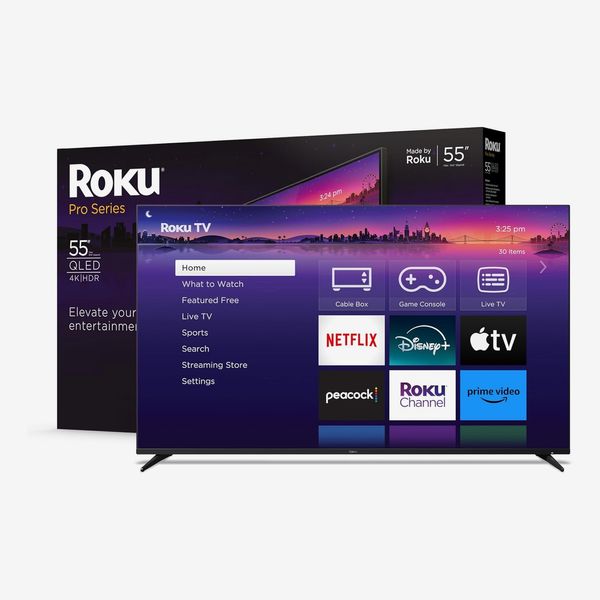
Screen size:55 to 75 inches;Formats: Dolby Vision and HDR10+;Inputs: 4 x HDMI 2.1 ports with 120Hz support;Audio: Two-channel Dolby Atmos;Smart platform: Roku OS
James Holland is a fan of the Roku Pro series TV, which, at around $650 in the 55-inch screen size, is an affordable option for a mini-LED TV with a Quantum Dot display panel. At that price, there are some compromises — James cited its lower brightness compared to TCL and Hisense mini-LED TVs, and also its lower dimming-zone count — but the overall picture quality is great for the price. Roku also has a simple, elegant smart TV interface that makes other smart platforms look cluttered in comparison. Yet another benefit to the Roku Pro series is its shadowbox design. According to James, this “lets it sit flat on the wall like a painting when mounted and also allows Roku to engineer more robust audio solutions (and therefore better sound) than you find in most affordable TVs.”
Best TV under $1,000 for PlayStation 5 gaming
New! You can now save this product for later.
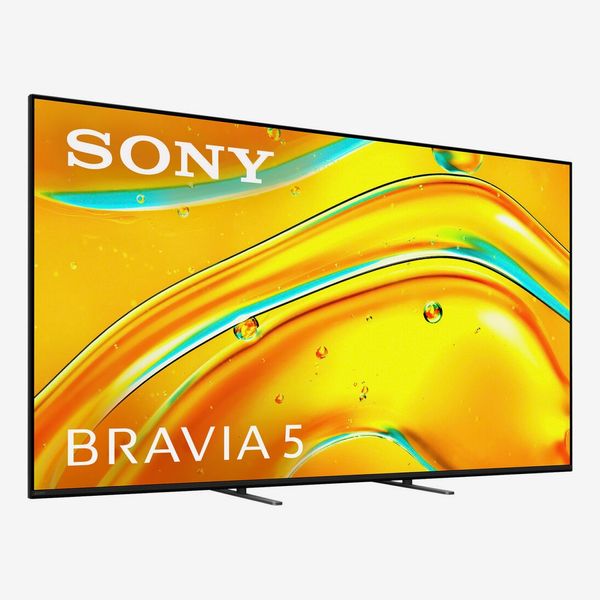
Screen size:55 to 98 inches;Formats: Dolby Vision and HDR10+;Inputs: 4 x HDMI ports (including 2x HDMI 2.1 ports with 120Hz support);Audio: Two-channel Dolby Atmos and DTX:X audio;Smart platform: Google TV
An avowed Sony fan, John Sciacca finds the Sony Bravia 5, a 2025 model, to be a solid under-$1,000 TV choice. “Sony has (arguably) the best video processing in the industry, which will result in smoother motion handling, and a sharper, more detailed picture.” John further appreciates the Bravia 5’s “bright and colorful image” and “cinematic black levels” and finds its Google smart-TV platform “easy to navigate,” with “support for virtually any streaming app you can think of.” The Bravia 5 is also “perfect for PlayStation 5,” with processing that automatically optimizes the picture for gaming when a PS5 console is connected. Sony TVs tend to be pricier than the competition, and the 55-inch Bravia 5 lists for $1,399. It can frequently be found on sale for under 1,000, however, and at that price it’s a solid value.
Our experts
• Nick Pino, managing editor, TV & AV atTom’s Guide
• Chris Boylan, TV & AV editor ateCoustics
• John Sciacca, TV & AV reviewer forResidential Systems
• James Holland, TV & AV reviewer atTechRadar
The Strategistis designed to surface the most useful, expert recommendations for things to buy across the vast e-commerce landscape. Some of our latest conquests include the bestacne treatments,rolling luggage,pillows for side sleepers,natural anxiety remedies, andbath towels. We update links when possible, but note that deals can expire and all prices are subject to change.