We Tested the Most Popular Photo-Book Services

Long gone are the days of picking up prints from your local film developer and then slipping them into family albums. Now, clicking around on a website (or swiping around on a phone app) for a few hours will result in a coffee-table-worthy tome commemorating your honeymoon, wedding day, or newborn child. Given that not all of us are graphic designers or professional photographers, though, results can vary. Below, find our testing notes about five of the most popular services, from cheap and cheerful options like Shutterfly to pricier printers like Artifact Uprising.
Easiest to customize photo book
New! You can now save this product for later.
Price: $-$$$ | Upload tools: App, social media, desktop | Layout customization: Many templates, highly customizable | Print quality: Good | Premium options: Lay-flat, leather cover | Shipping: Five shipping speeds, including two-day
When you’re designing your book in Shutterfly, there are a good number of premade layouts and designs you can use, and you either just slot your photos in or mess around with the settings to get exactly what you want. You can also start from scratch and create your own.
You can add captions, although I did not. I think the best route would be to use the text boxes, but there is also a kind of goofy feature that auto-generates captions. I tested this out, just to see what it came up with, and they were kind of corny: “Sunset Silhouettes,” “Radiant Rays of Bliss,” “Cherished Coastal Moments Together.”
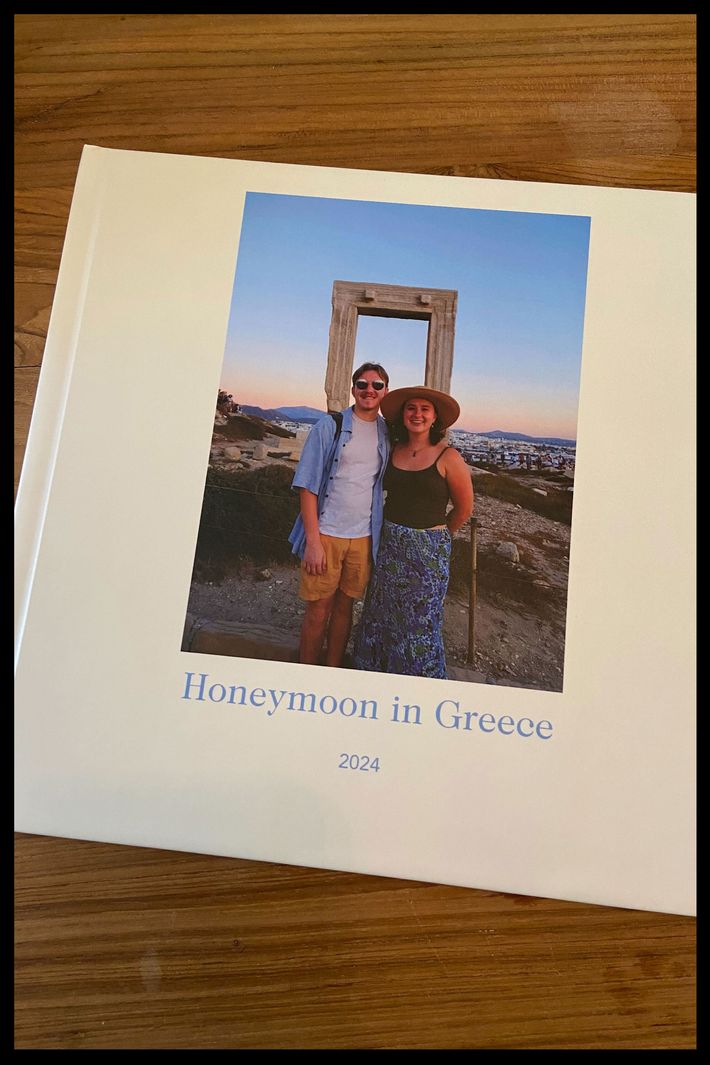
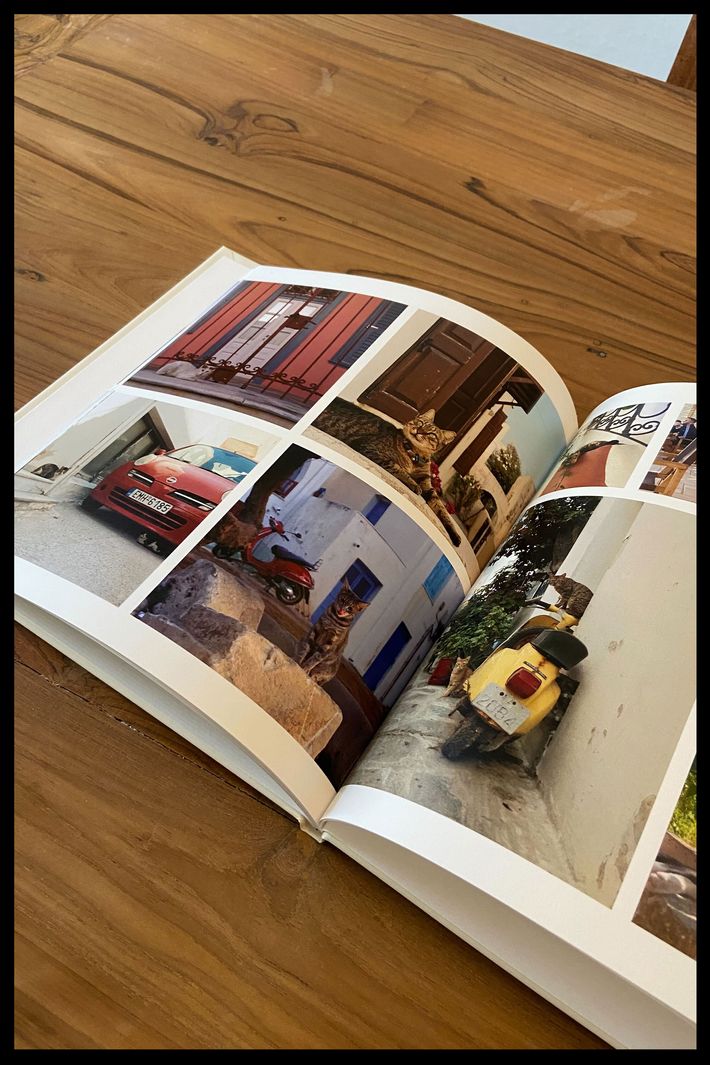
I was making a photo book of pictures from my honeymoon in Greece and I wanted to keep the design pretty simple. I could see myself easily spending hours playing around in the photo-book builder, but that’s only because I enjoy doing that kind of thing.
The part that took the longest was just picking out which photos I wanted to include. Once I did that, I settled on the color scheme and chose layouts for each page. Futzing around with the layouts and swapping out photos took me maybe an hour and a half. If you don’t want to do all that, I noticed Shutterfly has a feature where you can drop in all your photos, give a few details about design preferences, and let them design it for you. It says it’s a 24-hour turnaround, and it’s no additional cost on top of the book, so if I needed to make something in a hurry, I might try that.
I received the book seven days after I ordered it, and I think it looks pretty nice. I chose the basic 10x10 option, and for a simple photo book, I think the quality is solid. I took care not to use any photos that were obviously blurry, but I’m still impressed to see the images look sharp on the page. I used a mix of photos from my very old iPhone 11 (which doesn’t have a particularly amazing camera) and my Fujifilm XT-30 II camera, but they all look clear and non-pixelated.
One minor qualm I have is that there is a barcode on the back of the book. I’m sure it has some purpose, but it’s a bit of an eyesore if you’re displaying it. I would be a lot more annoyed if I spent more than $100 on a photo book and it had a barcode on the back. This one was only around $80, although that’s still kinda spend-y?
The quality of the materials seems absolutely fine, but I wouldn’t look at this book and think it’s going to be an heirloom someday. The quality feels on par with a nice kids’ picture book. After my wedding, I ordered photo books for my parents and grandparents from Papier, and I’d say the quality of those books felt much fancier.
I think Shutterfly is great for making things like vacation photo books or a gift for a friend. It’s easy to use and you can do as much customization as you want. Plus the books are slim, so they would be easy to store if, for example, you made one each year for a family vacation. For something really special, like a wedding photo album, I think there are other services that match the formality of wedding photos.
If I were to change anything about my book, I might go back and add captions — I honestly always forget to do this! And I may have played around more with the backgrounds.
Nicest, cheapest photo book
New! You can now save this product for later.
Price: $-$$$ | Upload tools: App (iOS only), social media, desktop | Layout customization: Many templates, highly customizable | Print quality: Great | Premium options: Lay-flat, fabric cover, matte finish | Shipping: Four shipping speeds, including rush (around a week, depending on book type)
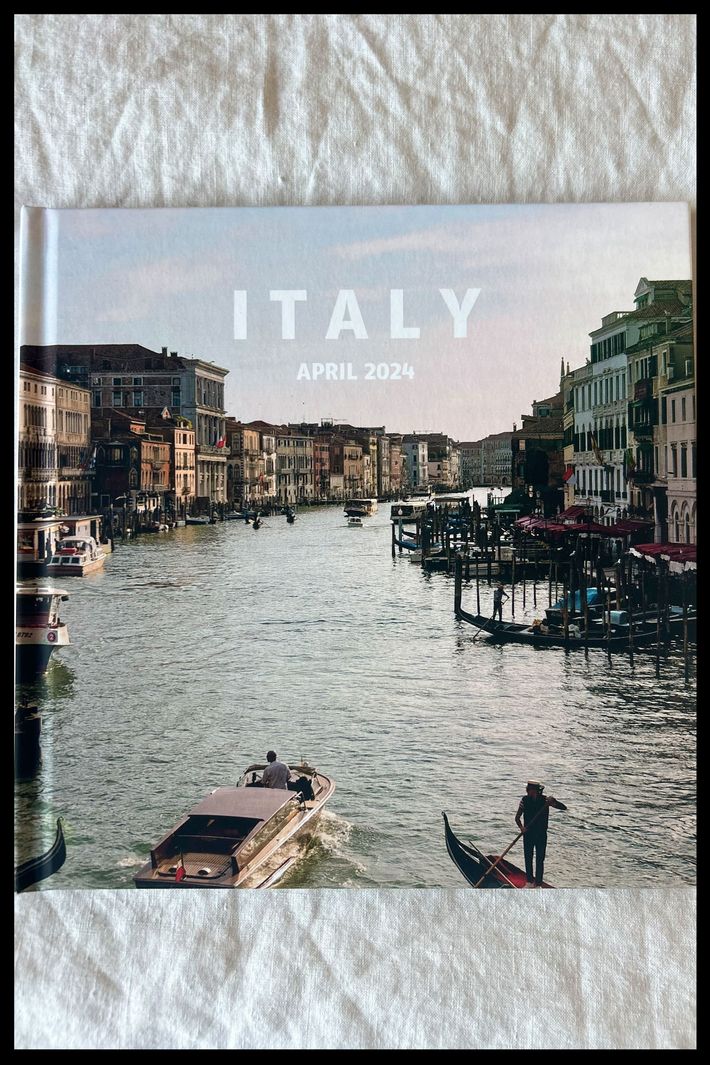
Mixbook offered almost 800 stock templates to choose from, and all were very customizable. There was a totally blank template where you could go with whatever themes and layouts you wanted, including different themes on every page if you so chose. You could easily add captions anywhere, and there were templates that made it possible to neatly add captions to photos, which is really nice and I’d definitely use if making a book for, say, my grandmother. I did use the text options to just add the city we were in on each day of our trip.
The main thing I didn’t like: Switching between photo layouts and actual photos was not so easy. I had about a couple hundred photos pulled up for my project (which pulled in by date taken, so that was super-helpful for organizing my photo book chronologically), but any time I clicked around on different photo layouts, it would take me back to the top of my photos, so I had to scroll way back down to where I was in the photos. Minor, but it did take a while, especially since I was being a bit particular about getting all my photos in there just right.
Theoretically, I think you could make a book in just an hour or two, depending how intense you want to be about it. I spent a few hours each day across three or so days, though. As for shipping, it took 12 days to receive my order after placing it, which was two or three days longer than the estimated arrival date I was given.
Prior to this, I’ve mostly used sites like Shutterfly or even just Walgreens photo counter to make books, and this one is definitely much better quality. The cover has a really nice matte finish. And the photos themselves look great. My book has a mix of photos taken on a Sony mirrorless camera, my old iPhone, and my partner’s nicer iPhone. The Sony pictures obviously look the best, but I think all the pictures turned out well.
The book was smaller than I was expecting, which is on me. I was packing in photos on the pages thinking they’d feel decently sized, but some of them felt quite small. I’d order a bigger size or just stick to a maximum of three photos on the page if I did it again. I’d use this service for vacation photos, family photos, etc. For a wedding album, it may not be quite premier enough, though that obviously depends on your taste and how you design it.
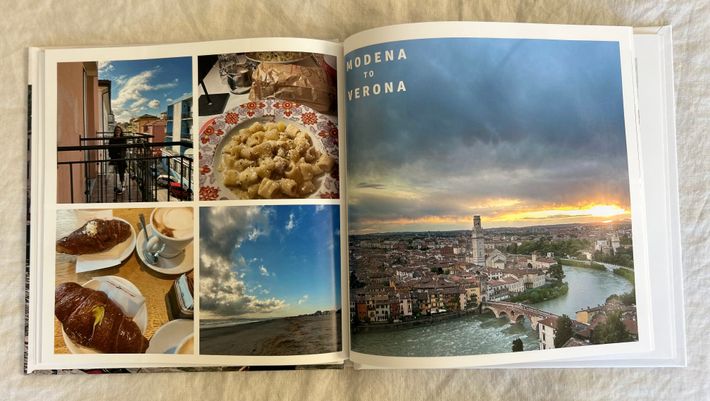
I’d advise actually looking at all the options before beginning your book. I moved too fast and missed out on lots of options that I would have liked my book to have. I defaulted to the smallest size (8.5x8.5) when I’d rather have made the largest size (12x12). If you do pick the small size, like I did, don’t cram your photos in! They’ll look quite small. And explore the lay-flat option. Also, you’re paying a flat rate for a set number of pages, so fill them. I only used 16 pages of my 20, like a fool.
If you’re ordering for the holidays (or any occasion, such as Mother’s Day), plan ahead. If you’re a bit of a perfectionist, it will take you some time to get it right. Plus you have to factor in about two weeks to get your order, if not more, during peak holiday season.
—Kelsie Schrader, managing editor
Nicest, more expensive photo book
New! You can now save this product for later.
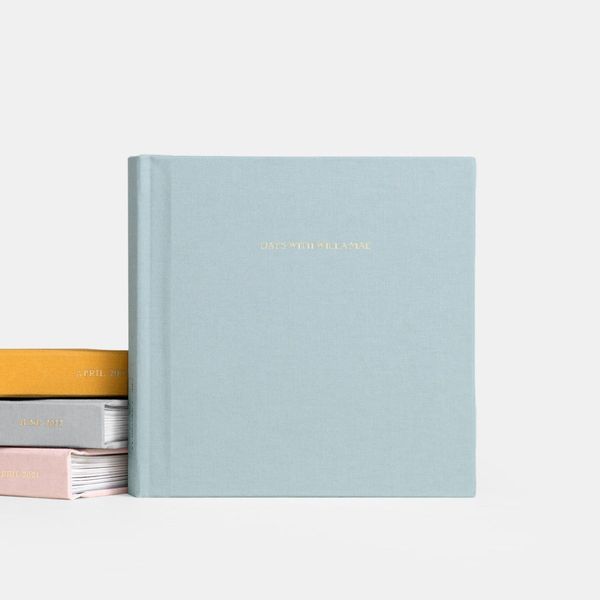
Price: $$-$$$ | Upload tools: App (iOS only), social media, desktop | Layout customization: Curated templates, some customization | Print quality: Excellent | Premium options: Lay-flat, fabric cover, matte finish, option to create additional refill pages | Shipping: Four shipping speeds, including rush (around six business days)
I’ve actually been a longtime fan of Artifact Uprising and ordered my first album back in 2021: a softcover photo book for family photos all taken on an iPhone. Since then, I’ve made two more: a smaller hardcover photo book for some professional photos we got of my daughter when she turned 1 and a bigger hardcover photo book for professional pictures from a family milestone event. So when I embarked on this Official Strategist Test, I already knew there was a lot to love. The books are high quality with covers that won’t bend or break easily and pages thick enough that you don’t have to worry too much about ripping them (my 2- and 5-year-old are known to throw these albums around and have yet to destroy any). They’re also very intuitive and simple to create, with easy and professional-looking templates that can make even the most amateur graphic designer look like they have a discerning eye for the arts.
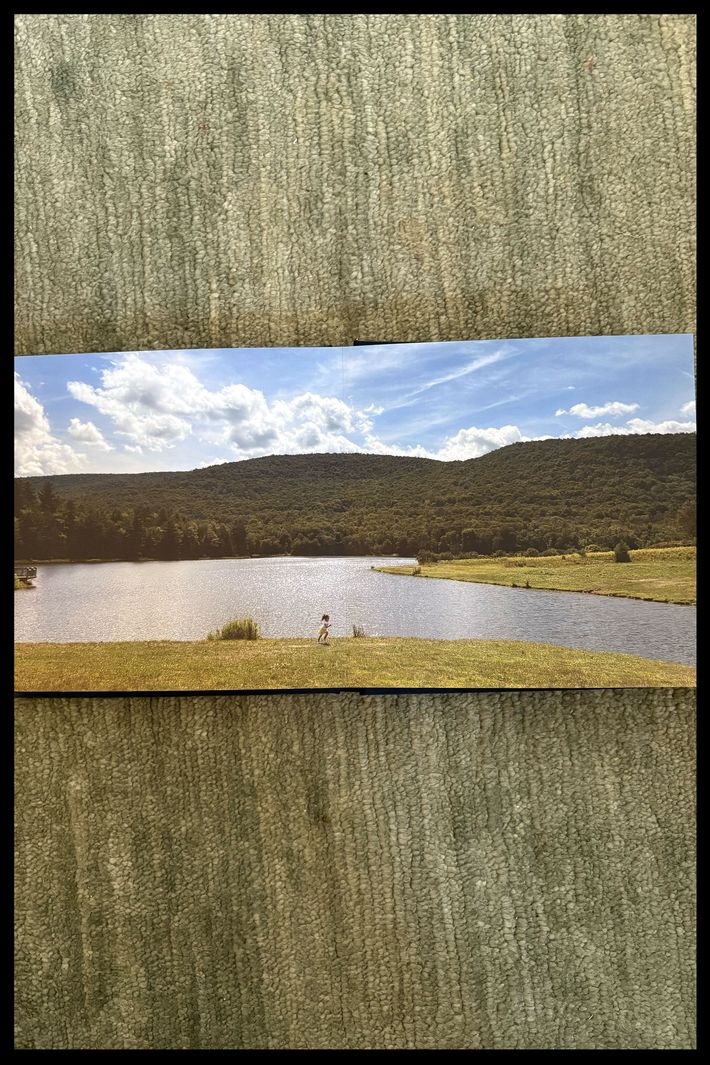
For my most recent test, I decided to experiment with the Everyday Photo Book using pictures I took on my iPhone from a recent summer vacation. I also decided to make all the photos full bleed because I wanted to make the most of the smaller 7x7 book. I easily uploaded all of my pictures onto the website from my computer (it’s also doable straight from a phone) and made a gallery for this specific album. Artifact does offer a bunch of different template options like a grid of four photos on one page, different amounts of visible white space, and many, many more that make it easy to get creative and fit lots of photos into any given book. It will suggest templates for you, but you can easily swap them around and customize. You can also add pages as you’re building, so you don’t have to stress about running out of spots. All told, you can build a really gorgeous book in about two hours, much of the time spent stressing about which of the five identical photos you took of a mountain is actually the best one. The drag and drop process of placing the pictures in the album is really seamless and intuitive. You can also get a PDF proof of the whole thing before you order. The hardest part is maybe just picking which type of book is right for you, because there really are a lot of options.
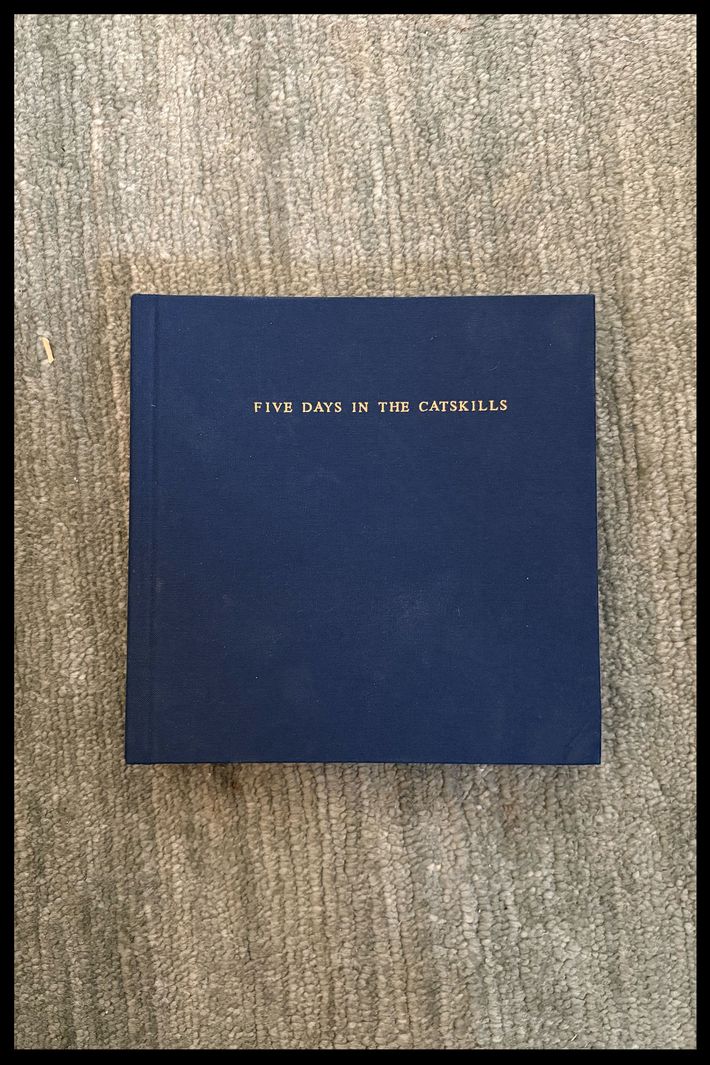
I loved mine when it arrived. The pages are even thicker than in the hardcover photo book, and the cover is made of a really beautiful linen. It just feels elevated, more like a coffee-table book than an album. For the first time ever, my husband picked it up without me prompting and said, “Wow, this is really nice.” It’s a gorgeous album for what would’ve otherwise been a simple family photo book. And the pages do lay flat when it sits open.
I think Artifact Uprising is on the more premium and pricier side of the photo-book options out there, but every one I’ve made has felt weighty and well worth it. I’d use the company again for a vacation album, but also for more milestone events where I’ve had professional photos taken. The books do justice to both.
—Lauren Levy, Strategist lead editor
Most giftable photo book
New! You can now save this product for later.
Price: $$-$$$ | Upload tools: App (iOS only), social media, desktop | Layout customization: Curated templates, some customization | Print quality: Excellent | Premium options: Lay-flat, fabric cover, matte finish, foiling | Shipping: Three shipping speeds, including overnight (after dispatch)
Uploading the images was incredibly straightforward. You don’t need an app or to upload the images from your desktop. You just scan a QR code and the Papier site can access your photo library. It then stores the photos you’ve selected in your account, so if you want to make a second album, you can choose from those as well.
Designing the photo books is also very straightforward. When you upload the images, the site automatically formats the book for you, but you can easily drag and drop. I was really impressed with some of the choices the site made — one image automatically went full bleed in a really stylish way.
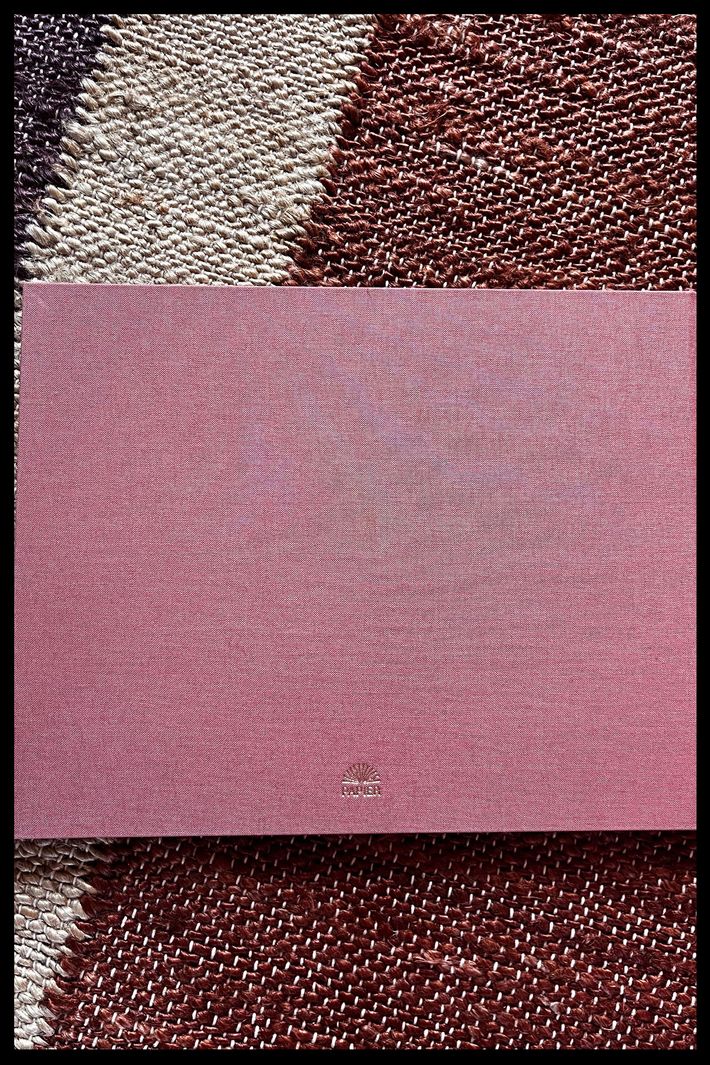
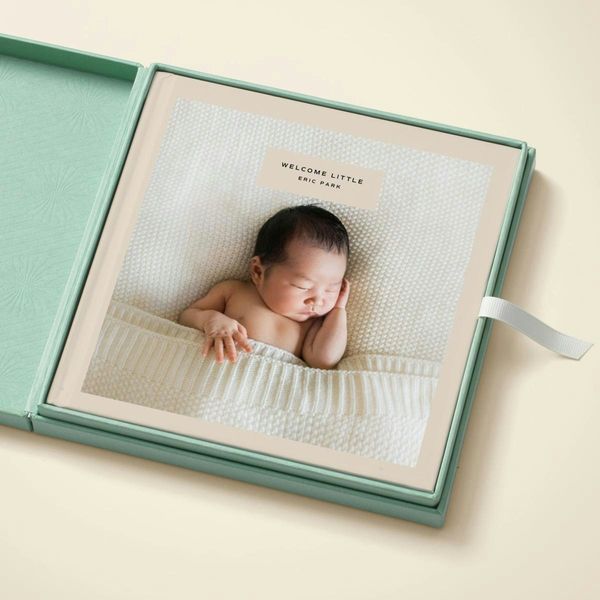
I tried two different photo books from Papier, the Our Baby fabric photo book and the Baby Minimalist hardcover. Both books came prewrapped in lovely Papier paper, so you don’t need any additional gift wrapping. Shipping was also very easy — I’d leave about a week from start to finish.
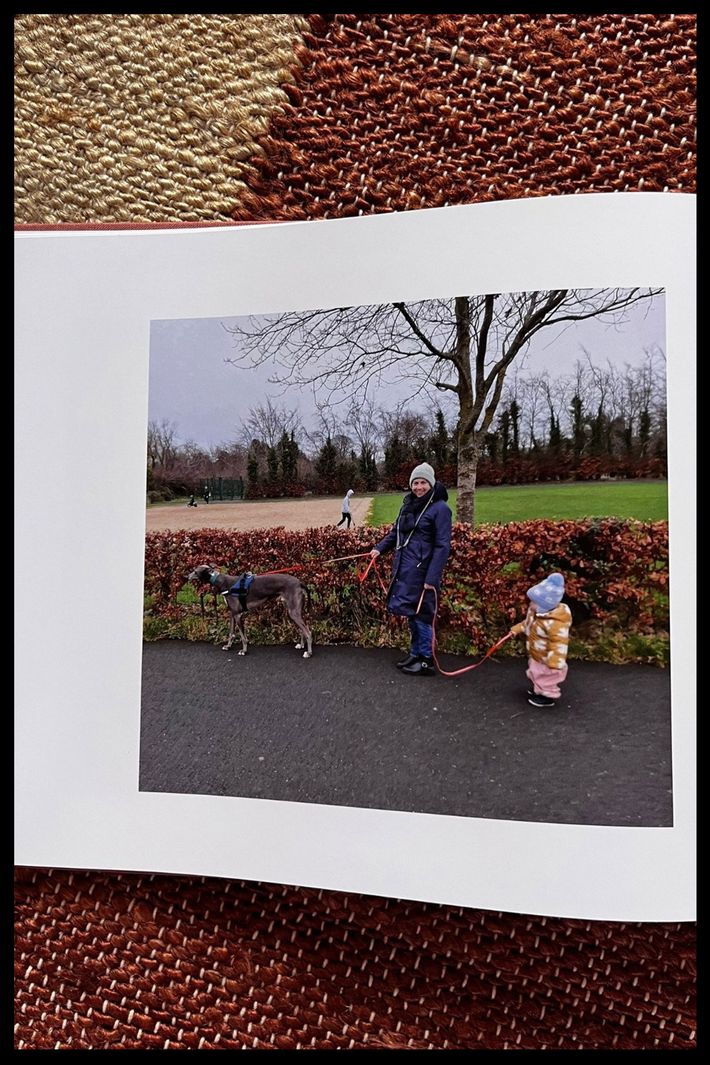
The image quality was the same across both options, but the fabric book certainly looked more special. I made two — one as a present for my in-laws and one for me. I left mine on the coffee table by mistake, and my mother-in-law was drawn to it like a wasp to a jar of jam. She oohed and aahed and said how much she’d like one. Little does she know!
Best photo book for wedding pictures
New! You can now save this product for later.
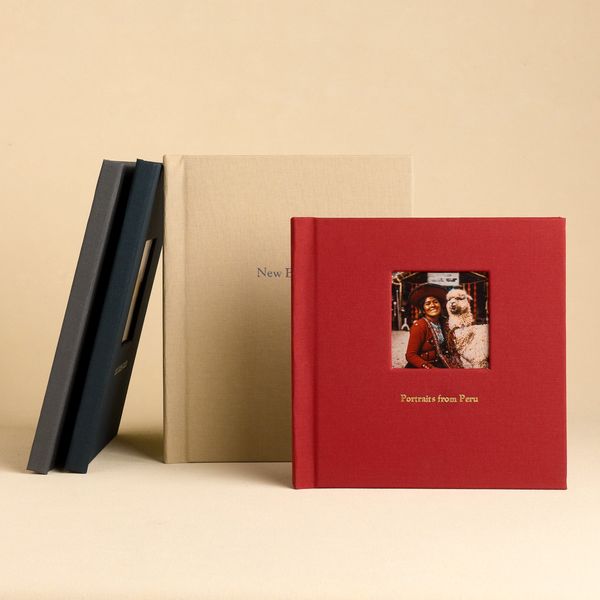
Printique Layflat Fabric Photo Books
Price: $$-$$$ | Upload tools: App, social media, desktop | Layout customization: Curated templates, some customization | Print quality: Excellent | Premium options: Lay-flat, fabric cover, leather cover, matte finish, foiling | Shipping: Shipping times vary; books are printed and shipped from New York City
Printique offers a variety of customization options. From easy photo books you can create from an album on your phone to more luxurious fabric and leather books. I wanted to make a book from a few of my and my husband’s favorite wedding photos, so I opted for a 40-spread 12x9 lay-flat fabric book.
Once you select your book type, Printique has a variety of layouts to choose from. Some are very graphic-design-heavy, but you can also opt for plain full bleed or simple layouts with a white border. I went with white-border spreads. The layout editor took some getting used to; for a few photo settings, I used auto-crop and zoomed on the photos, which I wanted to avoid to keep the original photography. But as soon as I found the correct settings, uploading and inserting my images was simple. The process in total took about three hours to make, and once I ordered, I was pleasantly surprised that the book arrived less than five days later.
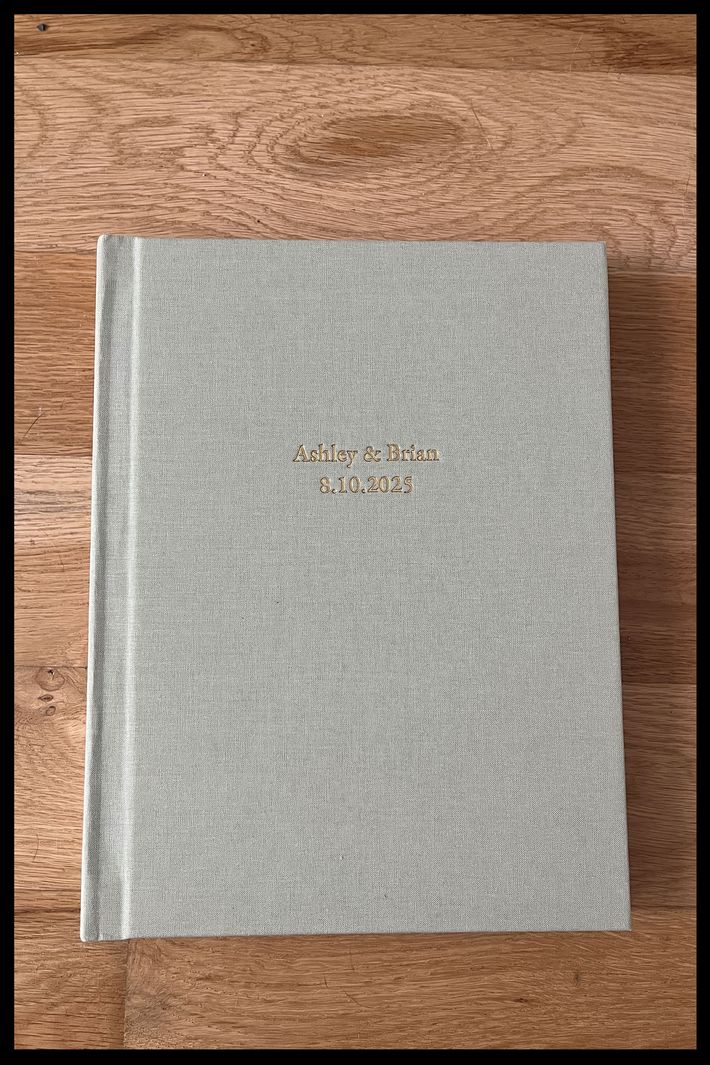
The book is absolutely beautiful. The gold foil on the cover looks nice, and the color of the book is true to what it looked like on the site.
I chose the brand’s “luster” pages, which is its most popular option and what it recommends for most photo books. In person, the paper has a nice, heavy quality (a little thicker than your typical cardstock) and captures the photos perfectly. To a non-professional eye, the photos look clear and true to color.
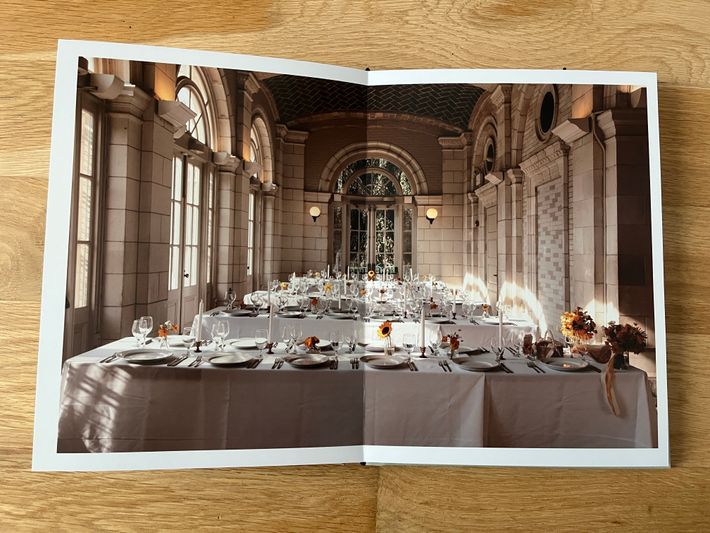
This is definitely a premium product. Prices for the fabric books start at $80, but with my customizations, the total cost came out to $286. I would definitely recommend this service for those looking to make a wedding album, and it would make a great gift for family members.
—Ashley Wolfgang, newsletter editor
More From The Strategist
- Hark, the Advent Calendars Arrived (Very) Early This Year
- The Best Things Strategist Editors Have Bought This Year (So Far)
- 63 Things You Should Never Buy Full Price
- The Strategist Fall 100
The Strategist is designed to surface useful, expert recommendations for things to buy across the vast e-commerce landscape. Every product is independently selected by our team of editors, whom you can read about here. We update links when possible, but note that deals can expire and all prices are subject to change.