This Gadget Lets Me Game Anywhere I Want

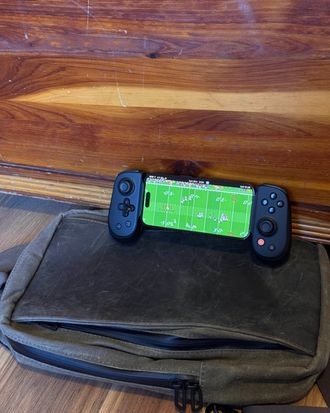
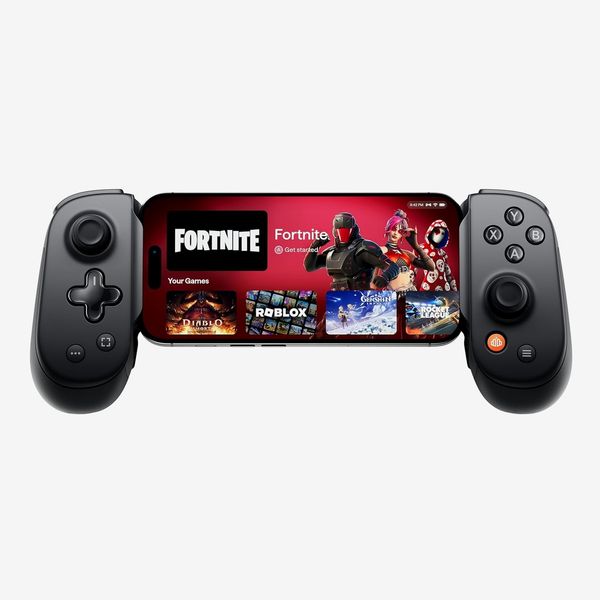
As much as I love handheld consoles — it’s tough to beat playing Baldur’s Gate on the go — I love traveling light even more. If I want to play full-blown console games, I have to carry my Steam Deck or Nintendo Switch, which requires a bigger bag than I’d typically like. I don’t have that problem with the Backbone One — a mobile controller that makes your phone feel like a Switch — since it’s small enough to fit in a fanny pack and works with my iPhone. The One has accompanied me on every flight I’ve taken since I started using it five years ago.
But aside from a few Xbox- and Playstation-exclusive models and an upgrade from Lightning to USB-C, the Backbone stayed pretty much the same until last year, when the company released its Pro model. This version — which costs an additional $70 — has more comfortable grips, premium-feeling controls, and the ability to pair with multiple devices, such as an iPad or smart TV, over Bluetooth. Now my go-to mobile controller works with all my gadgets; gaming has never been more convenient.
New! You can now save this product for later.
It’s a great controller that works with more than just your phone.
Like the Backbone One, the Pro can connect to your iPhone or Android device using the USB-C jack (no Bluetooth required here) by sliding your device between the two controllers, but the Pro also has Bluetooth built in so you can pair it with a tablet or PC, which functions as a standalone display. I connected my review unit to my iPad to play Stardew Valley plus a few games on Apple Arcade, and while the Pro isn’t as comfortable to hold as a dedicated console controller, it’s surprisingly close. (Do note, though, that despite having USB-C ports, you can’t dock a small tablet like an iPad Mini into the Pro as it won’t stretch wide enough.) The larger grips on the Pro are more curved than those on the One, making them less strenuous to hold for long stretches.
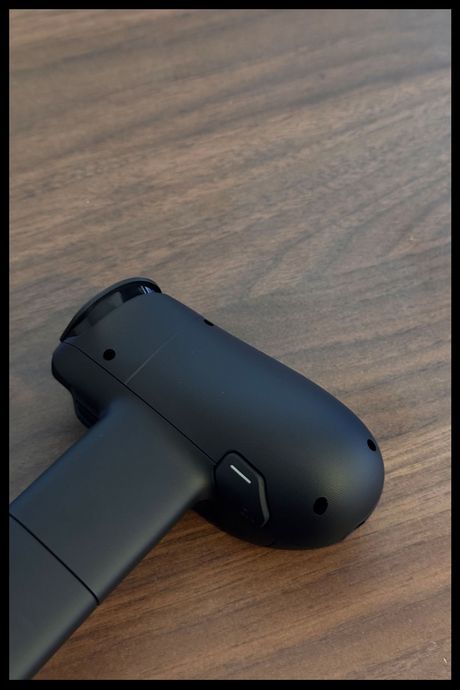
The actual controls on the Pro feel better, too. The joysticks are larger and a bit sturdier and have a slight indent that helps keep your thumbs in place. Similarly, the buttons have a nicer feel thanks to being clickier than those on the One. Because the Backbone Pro is still quite compact, neither its joysticks nor its buttons are as large as what you’d find on a PS5 controller. They’re also not as durable as console-quality joysticks, which typically use Hall Effect technology to better prevent joystick drift and which would have been a nice upgrade given the Pro’s high price tag.
Both sides of the controller have programmable buttons on the back that you can assign to work like another button, such as one of the triggers or the A button. If you’re prone to accidental button presses, or just want easier access to some in-game functions without moving your thumbs off the joysticks, these buttons are quite handy. And just as with the One, the Pro has a 3.5-millimeter headphone jack on the bottom of the left controls, plus a USB-C port on the bottom right that charges both the controller itself and any devices connected to the dock.
It comes with consolelike software.
Just like the controller itself, Backbone’s app is packed with functionality. When your phone is docked inside the Backbone, the app looks a lot like the home screen on an Xbox or Playstation. You can quickly access games from your own libraries, like Apple Arcade or Playstation Remote Play, as well as try out games from Backbone’s own subscription (more on that later). Backbone does a pretty good job of curating controller-friendly games across various gaming services, too, so it’s easy to find something worth playing.
The app also allows you to program the controller’s button on a per-device basis, so the Pro can have different controls on your phone than it does when paired with your iPad or smart TV. You can even fine-tune the joysticks to determine how much force you have to apply before they register any movement.
It’s costly for a mobile controller.
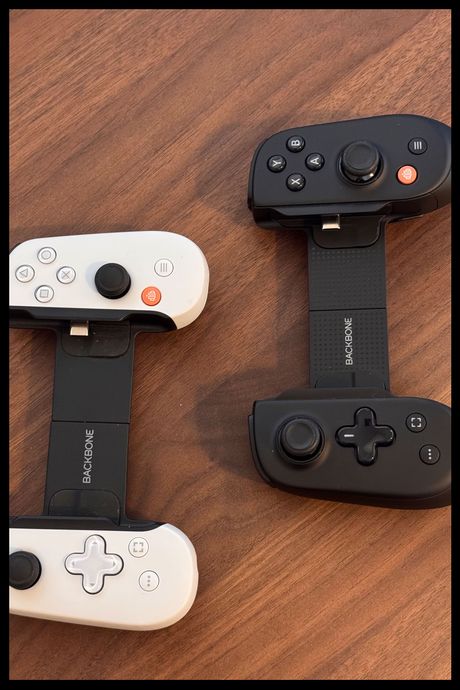
I’ve always praised the $100 Backbone One as a relatively low-cost way to turn your phone into a mini-console (it even works with gaming subscription services like Nvidia GeForce Now). At $170, the Backbone Pro is nearly twice the price. That gets you more premium controls and the ability to work with more than just your phone and is about as close as you can get to a consolelike feel with this style of controller.
More frustrating is the fact that some features are locked behind a Backbone+ subscription, which costs $40 per year. While that isn’t as expensive as many monthly subscriptions, it’s still another annual cost to worry about. None of the subscription-locked features — in-game chat with friends, video capture and editing, streaming directly to Twitch — are crucial to the experience, though, so you can get by without it just fine.
It’s the best mobile controller you can get.
Whether that’s all worth the extra cash over the Backbone One depends on how often you game and how much hardware impacts your experience. If you only play games on your phone and don’t need premium controls, the cheaper One is still an excellent option. But after trying the Pro for several months, I can’t see myself going back. Its improved ergonomics and more premium controls make long gaming sessions more enjoyable, and its Bluetooth connectivity allows me to switch from playing on my phone at my gate to playing on my iPad mid-flight.
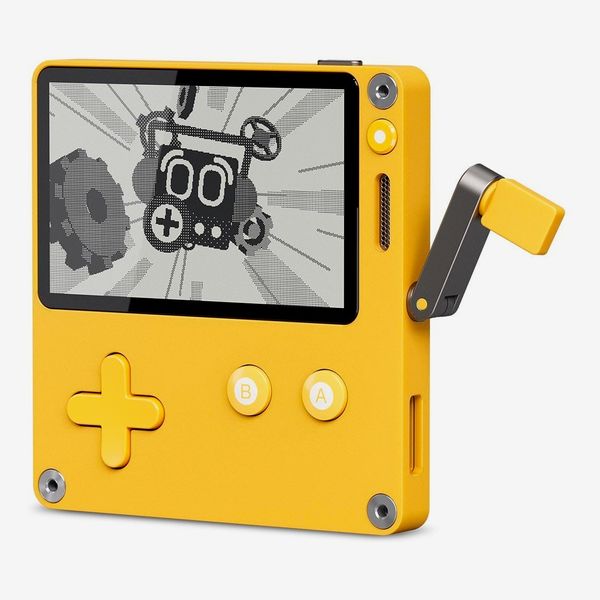
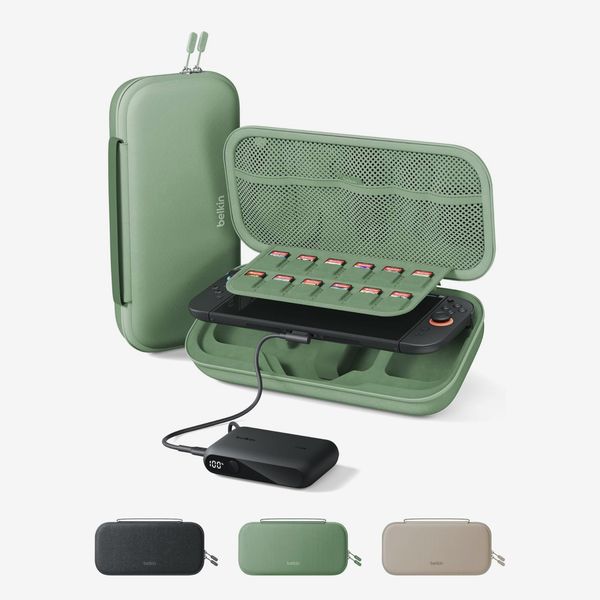
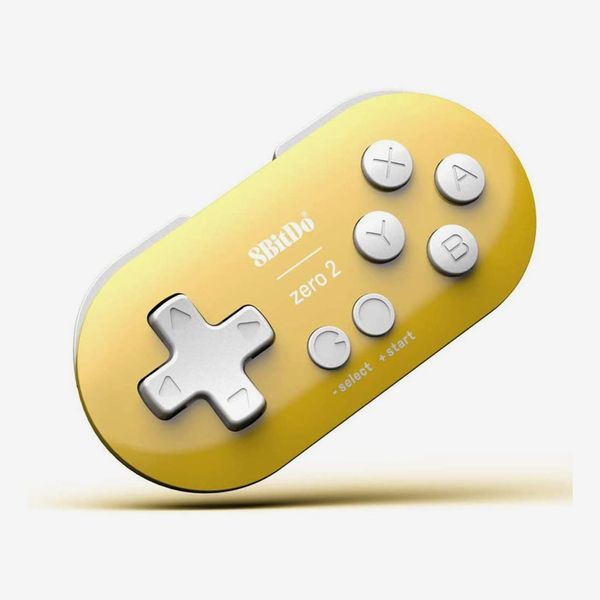
Other gaming gadgets we like…
More From The Strategist
- Hark, the Advent Calendars Arrived (Very) Early This Year
- The Best Things Strategist Editors Have Bought This Year (So Far)
- 63 Things You Should Never Buy Full Price
- The Strategist Fall 100
The Strategist is designed to surface useful, expert recommendations for things to buy across the vast e-commerce landscape. Every product is independently selected by our team of editors, whom you can read about here. We update links when possible, but note that deals can expire and all prices are subject to change.