The New ReMarkable Paper Pure Is the Best Digital Notebook You Can Get

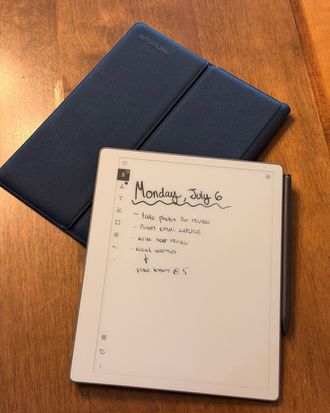
This year, I’ve mostly ditched note-taking apps in favor of writing things by hand. I’ve been carrying a notebook instead, and it’s mostly been great — I remember more of what I write manually, and nothing beats the tactile satisfaction of a good pen gliding across a smooth sheet of paper. But notebooks eventually run out of paper, and you can’t sync your notes across physical notebooks the way you can across multiple devices with a software-based system. Digital notebooks try to bridge that gap. With these e-ink based devices, which are basically tablets with limited, writing-specific features, you can have an unlimited number of virtual, subject-based notebooks with you at all times. You’ll never run out of room mid-thought, and many offer syncing solutions that let you access your notes from other devices, like your phone or computer.
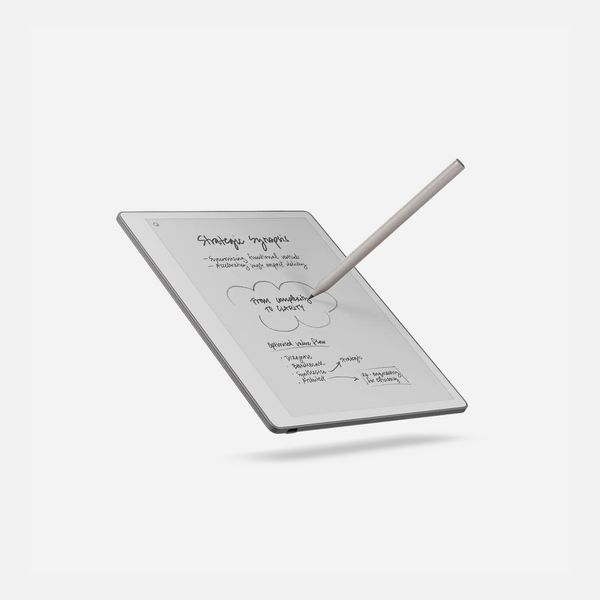
Of all the digital notebooks I’ve tested, reMarkable’s have come closest to replicating the joy of writing on paper while offering the flexibility of a digital platform. Its screens feel closer to paper than those of other devices, and the company’s software features, like turning handwriting into searchable text, make its notebooks useful in a way that the paper versions can’t replicate. That’s especially true of the company’s newest tablet, the Paper Pure. It replaces the company’s old flagship, the reMarkable 2, and makes an already great digital notebook even better.
New! You can now save this product for later.
It truly feels like writing on paper
Unlike reMarkable’s Paper Pro and Paper Pro Move, both of which are made of metal and glass, the Paper Pure is mostly made of plastic. That’s not a bad thing, though: It feels quite nice to touch, and it makes the Pure as light to hold as a legal pad. The back has a nice grippy texture that’s secure in the hand, though it may slide a bit when you’re writing on your lap. Four rubber feet keep the tablet in place while you write on a table or other flat surface. The bezels around three sides of the Pure’s 10.3-inch black-and-white display are thin enough to mostly go unnoticed with the fourth side’s bezel being thick enough to grip and hold the device in one hand without obstructing the screen.
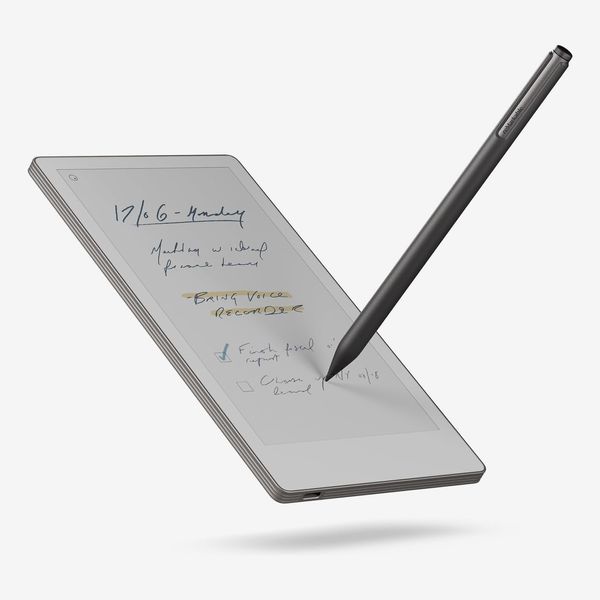
As for actually writing on the Paper Pure, it feels as close to paper as any tablet I’ve tested. The matte screen has a slightly textured feel that provides some resistance while writing, and the company’s Marker stylus has an appealing grippy texture that makes it feel more like a nice pen than a tablet stylus. I almost didn’t miss writing in my actual notebook while testing the Pure.
The screen looks great, too. Many e-ink displays have a gray hue to them, but the Paper Pure’s screen is closer to true white than models like the pricier Paper Pro, which has a color e-ink screen. I’m also impressed with how responsive the display is; it refreshes nearly instantly. Unfortunately, the Paper Pure doesn’t have a front light (the LED lamps you’ll find along the edge of some e-ink screens), so as with a paper notebook, you need to have a light source to see the screen (it isn’t great in bright sunlight, though, where you’ll get an obstructing glare). On such a pricey gadget, the omission stings.
The new software integrations are handy
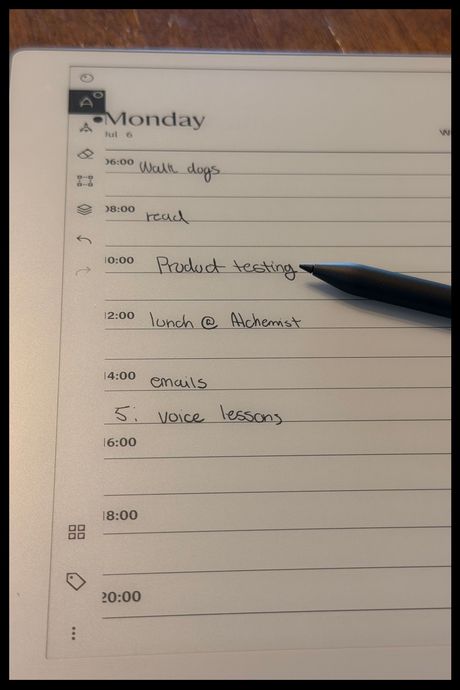
ReMarkable added two new tricks to its software with the Paper Pure, too, though they’ll be available for the company’s other devices as well. My favorite of the additions is the ability to sync your calendar so you can view upcoming meetings or appointments from your tablet and automatically create a meeting-notes document. To do this, you sync your main calendar — you can only connect one at the moment — to your reMarkable account from a web browser. You have to do this from a more full-featured device, like a phone or laptop, but you only need to do it once.
Once that’s done, there will be a small calendar icon in the reMarkable device’s bottom toolbar that shows all your upcoming meetings when tapped. Selecting a meeting will automatically create a new note in a designated meetings folder with the event’s title, plus all the details and a space for writing your own notes by hand.
The second new feature, called convert and share, allows you to turn your handwritten notes into a shareable document (complete with a web URL) with a summary of your notes and an image of the original note at the bottom. It works nearly instantly, and the summaries are usually accurate, but the feature is locked behind reMarkable’s $4 per month subscription service, called Connect. For your money, you also get unlimited storage, the ability to edit your notes from your phone or computer, and some exclusive templates for formatting your notebooks. To access these templates, you have to use a web browser and click an import button on your template of choice to send it to your tablet; you can’t browse them directly on the Paper Pure.
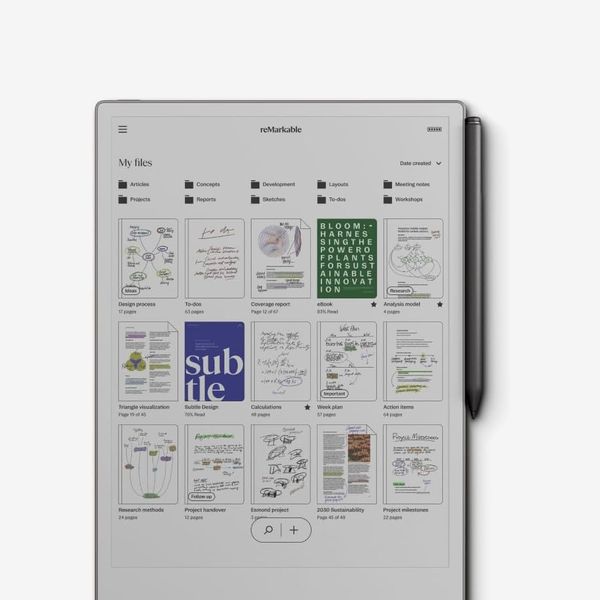
Even without the subscription, there are plenty of templates to choose from on the Paper Pure. Of the nearly 50 options, there are several lined templates with varied spacing and margins, isometric and grid options, multiple music tabs and chord sheets, and planners and storyboards. You can even change the templates of a notebook on a page-by-page basis.
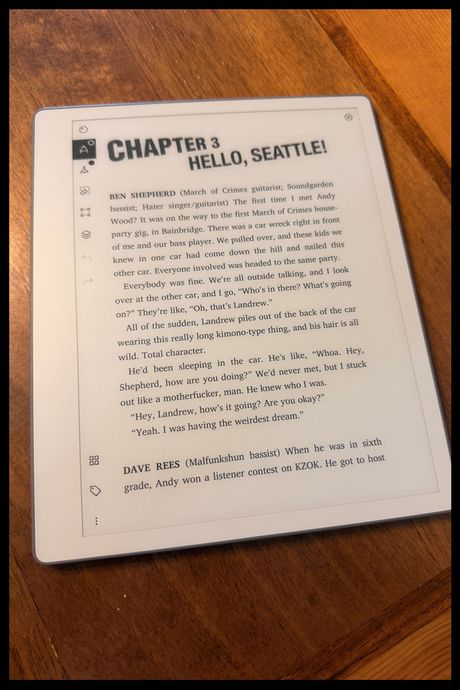
While I do like that the Paper Pure is capable of viewing e-books, I wish the software were a bit more robust. Rather than natively supporting e-book files like EPUBs and MOBIs, the reMarkable converts these files to PDFs, meaning you can mark them up with your stylus but can’t change the book’s font or text size. You also can’t highlight text the way you can with a Kindle or Kobo. If you’re looking for a digital notebook that also works as a good e-reader, I’d recommend the Kindle Scribe — which can convert your handwriting to text, even without a subscription — or Kobo Elipsa 2E. Both allow you to buy and manage e-books directly on the device, but neither feels as satisfying to write on as the Pure.
It’s more limited than other reMarkable notebooks
One of my favorite things about the reMarkable 2 was its ability to dock into a keyboard case and act as a sort of mobile typewriter. Although it required an additional purchase, the functionality made the reMarkable an even better note-taking device. That’s not even an option with the Pure; if you want a keyboard-equipped notebook, you’ll have to splurge for reMarkable’s Paper Pro.
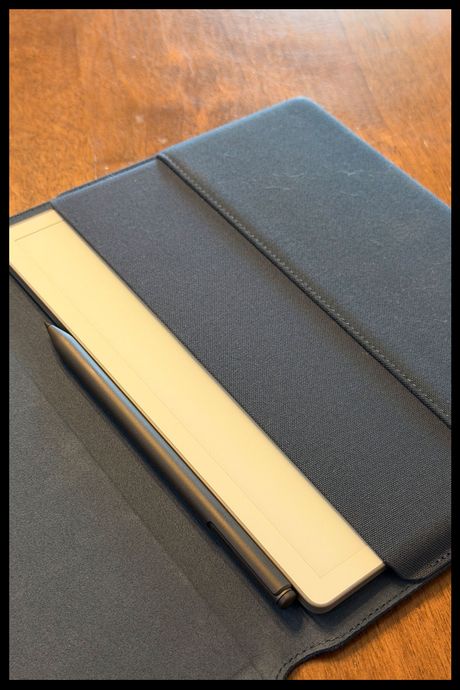
There also isn’t a magnetic folio case for this tablet, as there is for both the Paper Pro and Paper Pro Move. Instead, reMarkable sells a folio case that you have to slide the Pure in and out of whenever you want to use it. It’s not as convenient as a magnetic folio that stays attached to the back of the tablet, but it’s made of polycarbonate plates that should keep the tablet safe when not in use. You can get the case in Mist Green, Ocean Blue, or Desert Pink.
It’s the best digital notebook you can get, but it could do more
The reMarkable Paper Pure is the closest any tablet has gotten to feeling like actual paper. It’s light enough to follow you everywhere a large notebook would (which means you’re more likely to keep it with you and use it), the matte screen is a delight to write on, and reMarkable’s software makes it a genuinely useful tool for taking notes. But its lack of a keyboard case means you can only use it to take handwritten notes, and its lack of e-book support doesn’t take full advantage of the excellent e-ink display. If none of that scares you off, you won’t find a better all-digital notebook for scribbling all your notes.
Other digital notebooks we like
More From The Strategist
- Ask a Picky Guy: Stain-Hiding Duds for Dads
- The Best Things Strategist Editors Have Bought This Year (So Far)
- Hark, the Advent Calendars Arrived (Very) Early This Year
- 63 Things You Should Never Buy Full Price
The Strategist is designed to surface useful, expert recommendations for things to buy across the vast e-commerce landscape. Every product is independently selected by our team of editors, whom you can read about here. We update links when possible, but note that deals can expire and all prices are subject to change.