So You Want to Get a Landline


While landline phones seem like a long-lost relic from an era of rotary dials and busy signals, their very singular purpose has started to appeal again in our smartphone-fatigued moment. The lack of apps. The way they don’t need to be carried everywhere with you, demanding your attention and immediate reply. The landline discourse may have started creeping back up with parents who are trying to keep their kids away from cell phones for just a little bit longer, but interest is there — and growing.
The only thing? We’re all beginners again. The way landlines work is actually pretty different than they did back when you were growing up. Homes were traditionally wired with phone jacks, but that technology is being phased out. Instead, the de facto way to set up a home phone now is to use Voice over Internet Protocol (VoIP), which routes phone calls through your internet connection using a dongle connected to your router or your computer in some cases.
Many of these services offer features old landlines couldn’t, such as sending voicemails to your email as audio files or transcripts, a do-not-disturb setting, call filtering and spam detection, and having calls directed to your cell phone when you’re not at home. Some even allow you to create multiple phone numbers for an extra, small fee. You could use that to give your kid a phone number to chat with their friends, or if you’re using this for business purposes, create separate numbers for each point of contact rather than having extensions. Because these new lines rely on your internet connection, VoIP phones aren’t able to make calls to emergency services during a power outage, which traditional landlines could, but they do allow dispatchers to see your phone number’s registered address as well as a callback number, which couldn’t be done with older landlines.
But setting up a landline is trickier than it used to be as there are far more options available. In addition to getting it set up straight through your internet service provider (ISP), you can get a VoIP line through stand-alone services or use a Bluetooth dongle to pair your smartphone with a landline device. That’s a lot to choose from, so I’ve done the digging to find all the benefits and drawbacks of every option. Here’s everything you need to know to set up a home phone.
Pick your provider
Your ISP is the most convenient option
Not all ISPs have their own VoIP service, but many do. The main advantage with going through your ISP is convenience. For an additional monthly fee, the company will provide (and often send someone to install) a hub that connects to your router and assign you a phone number. It’s quick and easy to set up, and it’ll show up on your internet bill instead of adding another bill to your pile. Do note, though, that by default many of these services only include domestic calls in their plans and charge extra for international calls.
The downside with ISP VoIP services is that they’re typically one of the priciest options in any given area. For instance, CenturyLink’s VoIP service in my area costs $50 per month; notably more expensive than many alternatives I looked into. So although bundling your phone line with your internet may be convenient, there are cheaper options from third parties with just as many if not more features.
Third-party options are often cheaper
Third-party VoIP services usually work just as well as those from ISPs, and most are in the $10- to $30-per-month range — but features vary between services.
New! You can now save this product for later.
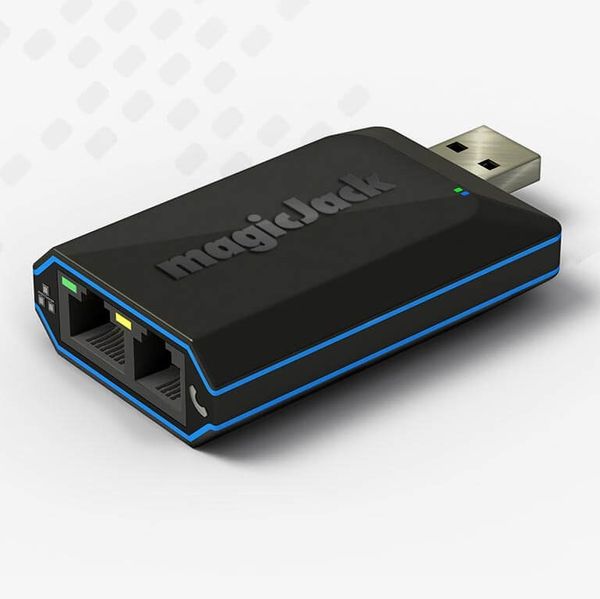
MagicJack 1-Year Plan
Magicjack, one of the most well-known options, is quite affordable at $43 per year. However, the company’s residential plan is not as feature-packed as some pricier services, as it’s missing things like native voicemail transcription and a true do-not-disturb function, which many other services offer.
New! You can now save this product for later.
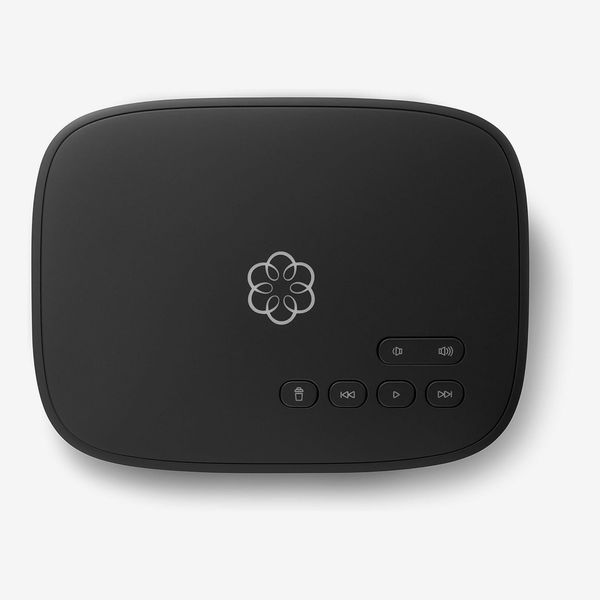
Ooma, which stands out for having Alexa integration, doesn’t charge a monthly subscription for its basic service. Instead, you pay up front for the base station, which costs anywhere from $70 to $100. You are on the hook for taxes and other fees, though, and the total amount will depend on where you live. In my area, the total’s a little over $6 per month, but I’ve seen some users report fees up to nearly $10. At that point, you should just get the company’s $10-per-month Premier plan that includes better call filtering.
There are several other services available for around or under $20 per month. 1-VoIP’s unlimited plan is $18 per month and comes with call forwarding, a do-not-disturb setting, spam filtering via Nomorobo, and being able to send PDFs as faxes through the service’s online interface. For those who only want to receive calls from certain people, there’s the ability to set up a white list; you can just block numbers, too. More affordable options, such as VoIPLy and Vonage, are available, but they often seem to suffer from poor call quality or customer support.
You could also opt for a cellular-powered home phone from a company like Straight Talk or Community Phone (Ooma has a similar plan). Because they connect to cell towers rather than your router, these services can work even during a power outage (unless that network is totally down), as long as your hub is connected to a backup power source. Community Phone, which costs $39 per month, has a 26-hour backup battery built in to its base station, and you can connect the Straight Talk hub to a portable charger for the same effect.
A kid-specific option that lets only approved contacts call
If you want to get your kid their own dedicated landline, there’s the Tin Can. The company sells two phones, the flagship Tin Can, which looks like a more polished version of the setup you’d see in old cartoons, and the Flashback, which looks like any standard corded handset.

New! You can now save this product for later.
The company’s basic plan is free and allows you to communicate with other Tin Cans. So you and a few family members could each get one (or you could give them as gifts) and allow your kids to stay in touch with them without adding another subscription to your budget. If you want to be able to make and receive calls from non–Tin Can phones, the plan costs $10 per month. Only approved phone numbers can get through, and you can manage that list of numbers from the company’s app as well as set designated times when even those numbers get sent to voicemail. But because this phone is meant for kids, it isn’t nearly as feature-packed as alternatives. You can’t get voicemails sent to your email, for instance.
A Bluetooth dongle to pair with your smartphone
You could also just turn your smartphone into a mock landline, if you’re mostly interested in it as a way to cut back on screen time.
New! You can now save this product for later.
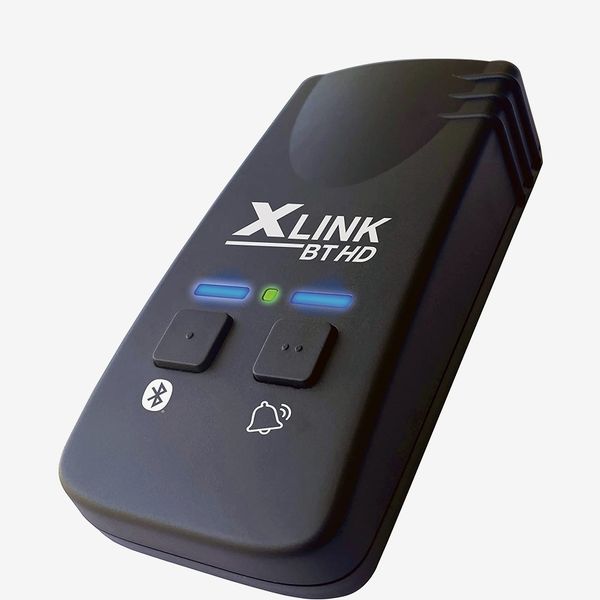
The Xlink BT HD is a Bluetooth dongle that you can pair with your phone, then connect to a home phone to receive calls on it. Once you’ve paired your phone to the dongle, you can pick up your landline device — it’ll even start playing the classic dial tone — and make a call.
New! You can now save this product for later.
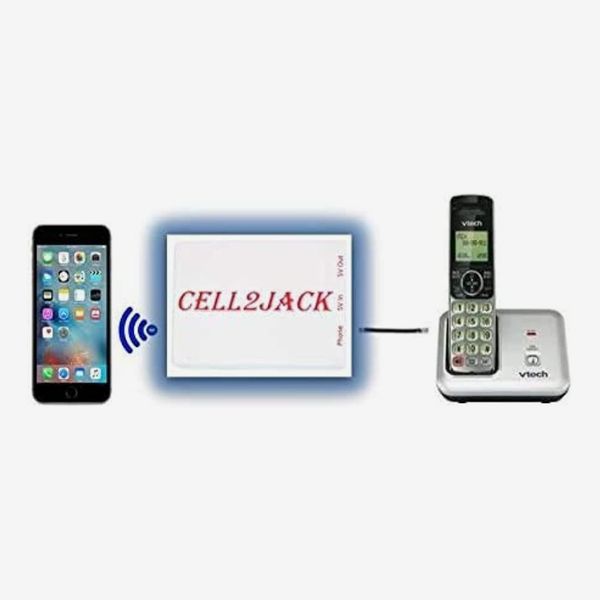
There’s also the cheaper Cell2Jack, which works the same way, but its audio quality isn’t quite as good as the Xlink’s. I placed a corded headset paired to a Cell2jack on my desk to make and receive calls from my desk while leaving my phone on a bookshelf across the room so I couldn’t reach for it in moments of boredom.
Choose your phone




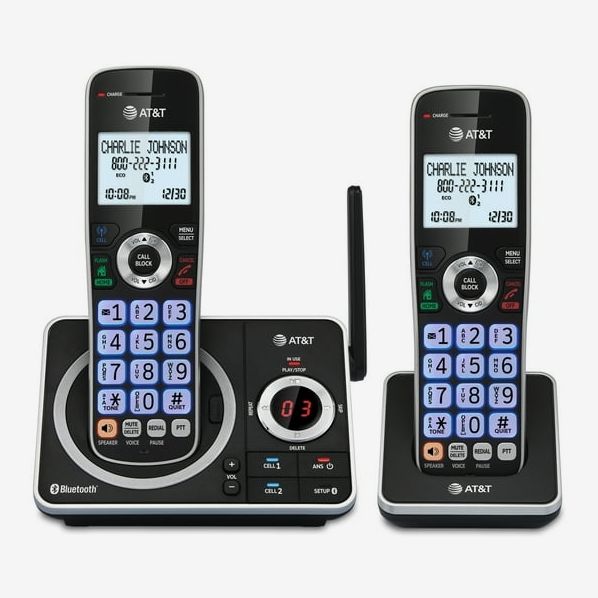

This is the fun part. Unlike smartphones, which all look pretty same-y, landlines come in all different shapes and designs. Since modern home phones use the same jack as most older models, they all work with most of these VoIP services. You can get a phone that looks like a T. rex, shiny gold lips, or an old pay phone if you want a nostalgic feel. More practically, you could get one with large, easy-to-read buttons if you or someone in the house is visually impaired.
You can also get a cordless handset if you want to be able to move around while you talk. Cheaper models will have a shorter wireless range, so you’ll have to stay closer to the base station, while more premium models may include features like call recording and the ability to pair to your smartphone for making and receiving calls without needing a dongle like the Xlink.
More From The Strategist
- Hark, the Advent Calendars Arrived (Very) Early This Year
- The Best Things Strategist Editors Have Bought This Year (So Far)
- 63 Things You Should Never Buy Full Price
- The Strategist Fall 100
The Strategist is designed to surface useful, expert recommendations for things to buy across the vast e-commerce landscape. Every product is independently selected by our team of editors, whom you can read about here. We update links when possible, but note that deals can expire and all prices are subject to change.