This Tiny, $69 E-reader Is Actually Really Good

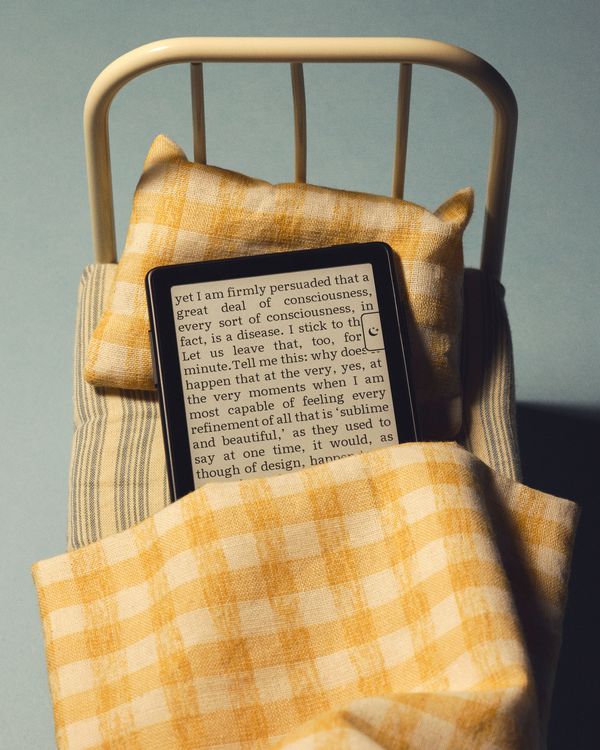
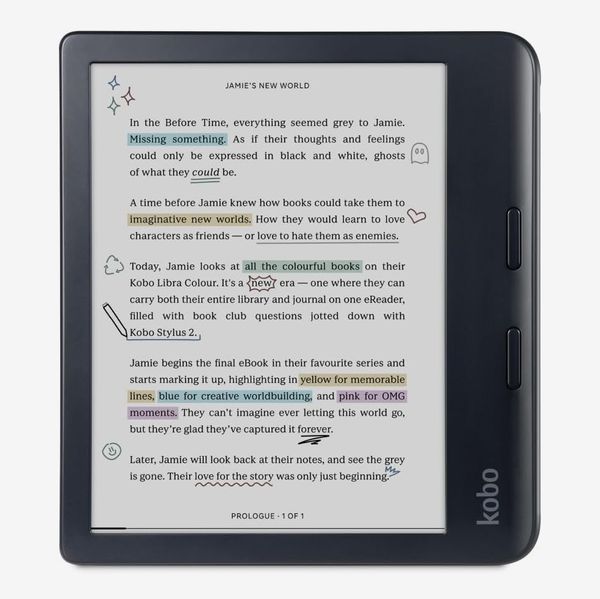
Without e-readers, my screen time would be through the roof. For the last several years, I’ve carried one with me everywhere as a replacement for doomscrolling. Sometimes it’s a Kobo Libra Colour — plus the included stylus — in my fanny pack, while other times it’s the iPhone-size Boox Palma, which goes in the pocket where my phone usually goes. But even despite its portability, I don’t always feel comfortable taking the $400 Palma with me. For instance, it doesn’t come with me when I go out to meet a friend for fear of leaving it at a bar or restaurant.
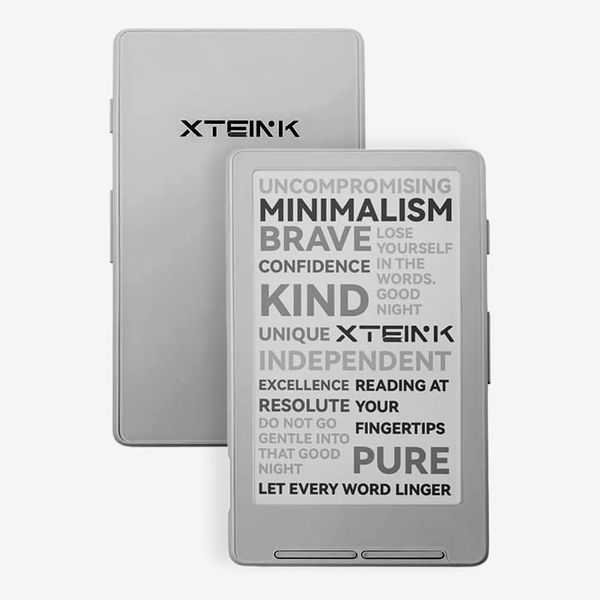
For occasions when portability matters, I’ve got the tiny Xteink X4. This e-reader, which I first saw on TikTok, is shorter and thinner than the Palma, making it easier to bring along without my pockets feeling stuffed. At under $100, it’s also notably cheaper than almost any other e-reader I’ve tried. That alone makes it a rarity, but it’s even more impressive that with some tweaking, it’s quite a good e-reader.
New! You can now save this product for later.
Its size is more than just a novelty
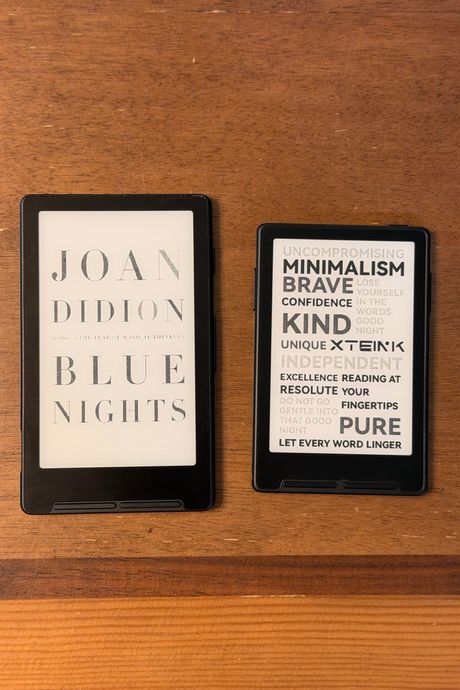
After a week of carrying the X4 in the same pocket as my wallet, I hardly noticed it when walking around and found myself reaching for my phone less often. If I have a spare moment while I’m waiting for my doctor to enter the room, I can pull out my tiny X4 and read a few pages of whatever novel I’m working through, then drop it back in my pocket. While that’s true of other small e-readers like the Boox Palma, few have as small a footprint as the X4. You can get an even smaller model called the X3 if you don’t mind ditching USB-C for a proprietary charging port, but that’s another cable to have to worry about. I tried that model as well, and its tiny size is admittedly tempting, but the pin-style charger is inconvenient enough for me to recommend the X4 instead.
New! You can now save this product for later.
The X4’s 4.3-inch display won’t feel quite as spacious or engrossing as a paperback, but it’s capable of showing up to 23 lines of text onscreen at once. That’s plenty for reading line by line, even if it takes a couple of hours to get used to it. And there are a few settings to toggle the size of your e-book’s text, though not as many options as on a Kindle or Kobo.
As impressive as the X4’s small design is, though, I do wish its hardware felt a bit nicer. The plastic itself doesn’t feel cheap, but the buttons wiggle enough that I’m concerned about their longevity. That’s not a huge issue given the X4’s price, but because the buttons are on the front of the device and always exposed, more durability would be nice. Additionally, I wish that the X4 had a front light like most mainstream e-readers these days. That’s forgivable given its size and how difficult it would likely be to fit lights into a frame this small and thin, but it still means that you’ll need a source of light while reading.
The software is clunky compared to the competition
Unlike most e-readers you can get today, the X4 doesn’t have a touch screen. Instead, you navigate the reader’s software using four buttons below the display and three on the right. Even once you get the hang of this configuration — it took me a few days — it’s still not as fast as navigating a touch-based e-reader like a Kindle or Kobo. Opening a book, for example, requires at least three button presses, possibly more depending on how many e-books you’ve loaded onto the included microSD card.
Although the software that comes preinstalled on the X4 works fine for reading books, it’s lackluster enough that several programmers have released their own custom firmware that’s faster and easier to use. In fact, it’s the first thing I did when I bought mine, as I’d seen several Reddit threads suggest CrossPoint as a good alternative. Without it, you’re limited to two fonts and only a few customization options for line spacing. That makes sense given how many button presses are required to change settings, but I still wish you could do more fine-tuning without needing to load custom software.
If you’re willing to install custom firmware like Crosspoint — it’s as simple as clicking a few buttons in a Chrome tab — the X4 is better for it. In addition to getting more control over the formatting of your e-books, you can also install custom fonts and wirelessly transfer books via the desktop app Calibre. It can also do a better job of rendering text than Xteink’s stock software.
It’s disappointing that you need to side-load custom software to get the best experience on the X4, but given its impressive price tag, the five minutes it takes are well worth the savings. Do note, though, that in order to load Crosspoint, you need to buy the developer edition of the X4. Don’t let the name intimidate you, though, it just means you can install third-party software.
The magnets could be stronger
The X4 and the X3 went viral, in part, thanks to their unique ability to attach to the back of an iPhone using MagSafe. It’s a neat trick, but it doesn’t work as well in practice as it seems to in social media. The X4 is slightly too large to sit flush on the back of the standard iPhone 17 Pro, and even on devices that it can fit onto, the magnets aren’t strong enough to keep it securely in place.
The X4 comes with two magnetic rings that you can attach to something besides a phone — like the inside of a notebook, as many have done. It’s a nice addition that makes the magnets on the device less of a party trick and more of a functional convenience. I’ve added a ring to the inside of my passport-size Traveler’s Notebook so I can take notes on whatever I’m reading at a given moment.
It’s a cheap e-reader that can follow you everywhere, but it requires some work
I’ve been raving about the X4 to my friends because its small form factor means it can travel with me to places other e-readers typically wouldn’t, and it’s cheap enough that in the event of losing it, I won’t spend a whole night mourning the hole in my wallet.
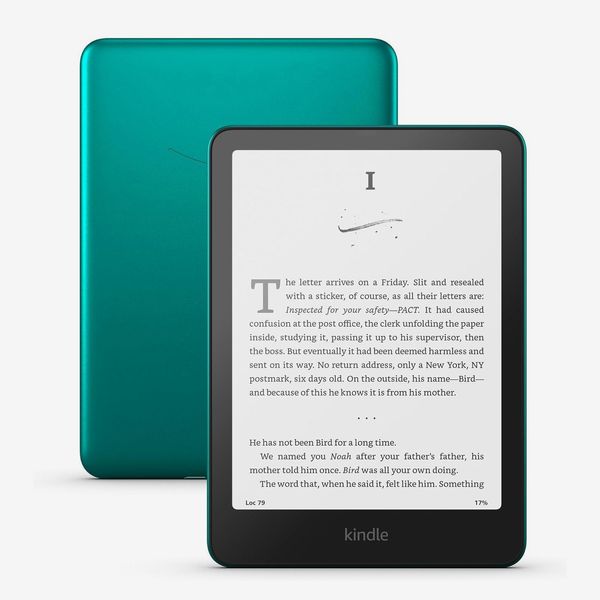
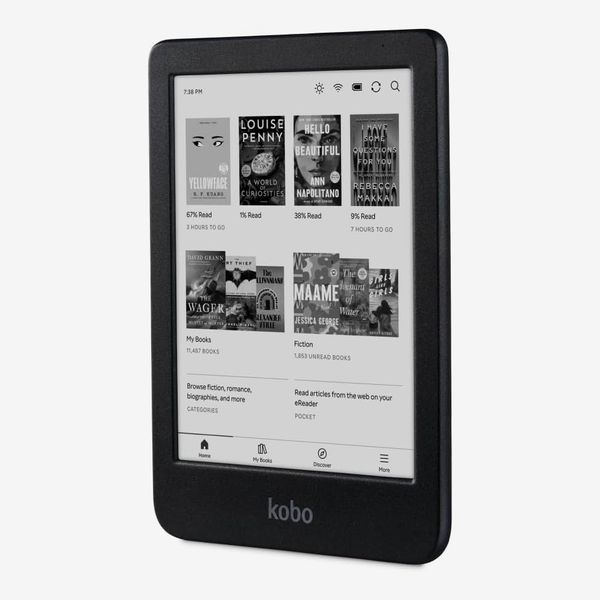
That said, I wouldn’t recommend it to anyone who isn’t okay tinkering with their gadgets or who finds themselves frustrated by clunky interfaces. Kindles, Kobos, and even Boox e-readers are all far more streamlined and require less maintenance to both obtain and read books. But none of those can fit inside my notebook, and I can’t just skip a few nights dining out if I need to replace them. That’s all worth a little less polish.
Other e-readers we recommend
More From The Strategist
- Hark, the Advent Calendars Arrived (Very) Early This Year
- The Best Things Strategist Editors Have Bought This Year (So Far)
- 63 Things You Should Never Buy Full Price
- The Strategist Fall 100
The Strategist is designed to surface useful, expert recommendations for things to buy across the vast e-commerce landscape. Every product is independently selected by our team of editors, whom you can read about here. We update links when possible, but note that deals can expire and all prices are subject to change.