This BlackBerry-like Phone Made Me a More Productive Person

I’ve spent years searching for tools to help me cut my screen time and stay dialed in to what’s around me. The Light Phone III came close, but its lack of apps hindered my ability to test products for work. I managed to keep my worst digital tendencies at bay with the Brick for a time, but my ADHD brain refused to commit to the habit long term. As many people have found, turning to older, pre-smartphone tech can be the most effective way not to get lost in all the distractions most phones today bring. Turns out, for me, someone just needed to bring back the BlackBerry.
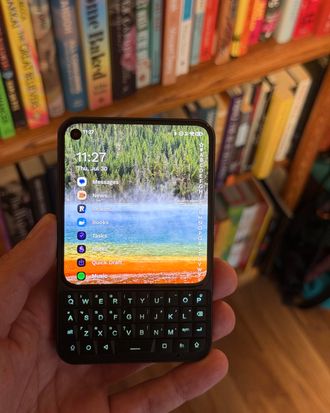
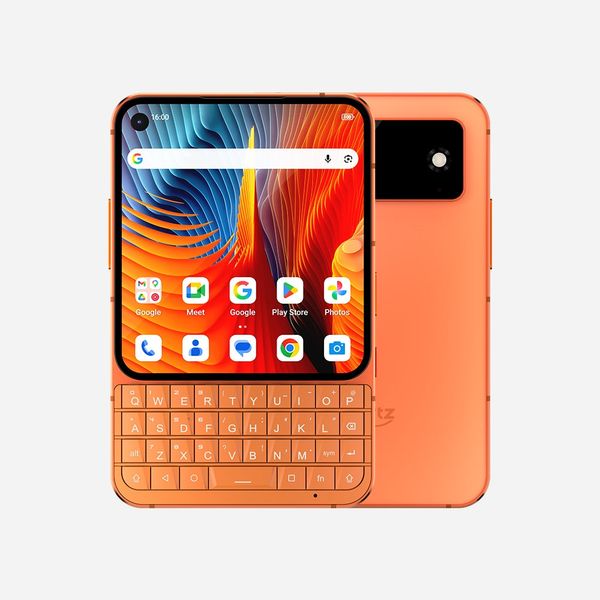
Well, sort of a BlackBerry. If you squint your eyes, the Unihertz Titan 2 Elite looks almost indistinguishable from the old BlackBerry Classic. And it’s not really old tech, either: The software functions roughly the same as any other Android phone — version 16 with some modifications from Unihertz. But because its hardware has more in common with a BlackBerry than any other Android phone (aside from its touchscreen), I use it more like one.
New! You can now save this product for later.
When I pick up the Titan, I’m not doomscrolling TikToks or Reels in my free time as I used to on my iPhone. Because it has a square screen (AMOLED, so it looks better than the one you’d find on an old BlackBerry), vertical content doesn’t format properly and looks terrible, so I don’t even have those apps installed. Instead, I use my phone to check and reply to emails and messages or quickly type a thought into my notes app, then get on with my day. I’ve also loaded it with some e-books so I can read a few pages if I have any downtime. Since I use the same app as on my Boox Palma (Moon+ Reader Pro), all my reading progress syncs between the two.
Text looks just as good on the Titan as on other smartphones; you just see less of it because the screen is smaller (it’s shorter than an iPhone 17 Pro’s screen by about two inches). That’s a good thing. Bigger screens are great for viewing content — videos and pictures are more detailed — but can make things like checking your email more stressful than they need to be. Whenever I open the Gmail app on my iPhone 17 Pro and see ten unread emails (in a pile of hundreds) at a time, it’s hard to focus one-by-one and decide how to handle each. But I can see only three emails at a time on the Titan, so it’s easy to read a subject line and know what to do with it and be free from the pull of nine other emails vying for my attention.
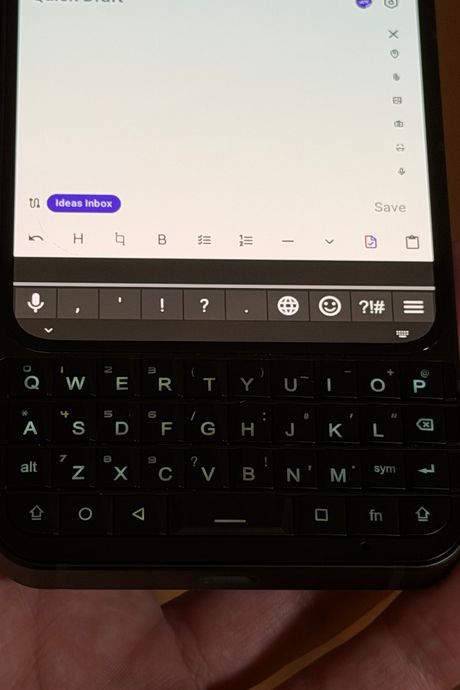
I have usually kept most of my email management to my desktop or laptop, but because the Titan’s keyboard is so fun to type on, I’m far more likely to do so on the go than I did with my iPhone. No matter how efficient, tapping on glass to send a message doesn’t feel satisfying. Every time I hit “send” after pecking away on the Titan’s backlit keyboard, I actually feel as if I’ve accomplished something. The keys don’t have any space between them, but they’re easy to get the hang of and provide a satisfying click without too much resistance. The bottom row even has Android-based navigation keys so you can go to the home screen or open the app switcher without having to touch the screen.
My favorite thing about the Titan’s keyboard, though, is its version of the BlackBerry’s trackpad, which sat right above the keyboard and was one of the device’s best features. Instead of having a trackpad, the Titan’s keys are touch sensitive so you can do things like scroll web pages by swiping your finger up and down the keyboard. You can also use it to move an onscreen cursor around while you’re editing text. This can all be done by tapping or swiping on the actual screen, but then you’re at least partially obstructing whatever you’re working on or viewing. Using the keys, everything stays in view.
I’ve also taken advantage of Android’s customizability to create a mostly distraction-free phone that still helps me get things done when I’m not at my desk. I installed Niagara’s home launcher, which gives me a mostly text-based home screen with shortcuts for up to eight apps. I don’t have widgets, and aside from my most used apps, every other app takes long enough to access that I always think twice and usually choose to put my phone away instead. And thanks to the BuzzKill app — which helps you fine-tune when and how you receive your notifications in a way iOS apps can’t — I can tap the Titan’s power button when it’s in my pocket and it’ll vibrate if I’ve missed any notifications, rather than buzzing any time I get pinged. That alone has significantly curbed the number of times I pull out my phone every day.
All of that functionality, plus the limitations of the Titan’s square screen, remind me that my phone doesn’t need to and shouldn’t be a distraction. Instead of pulling it out every time my mind starts to wander, I leave it there until I actually need it to do something. My phone is finally back to being a tool and nothing more. I have plenty of other things that could use my attention.
Other devices that help keep distractions at bay
New! You can now save this product for later.
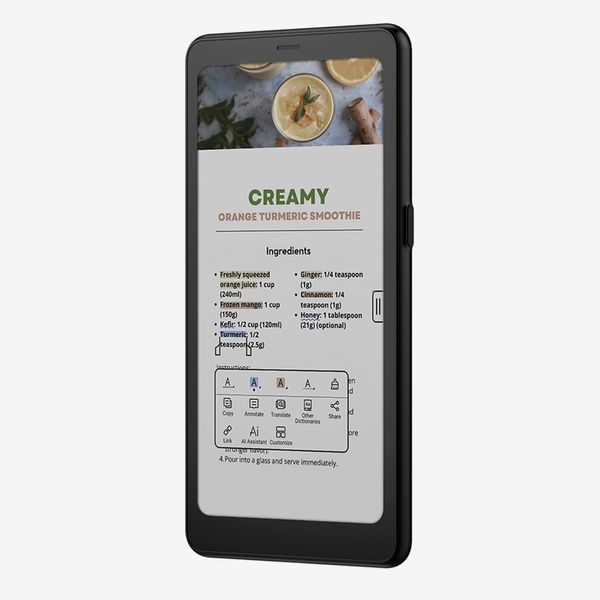
This iPhone-size e-reader runs Android so it's as good for reading web articles as it is for books.
New! You can now save this product for later.
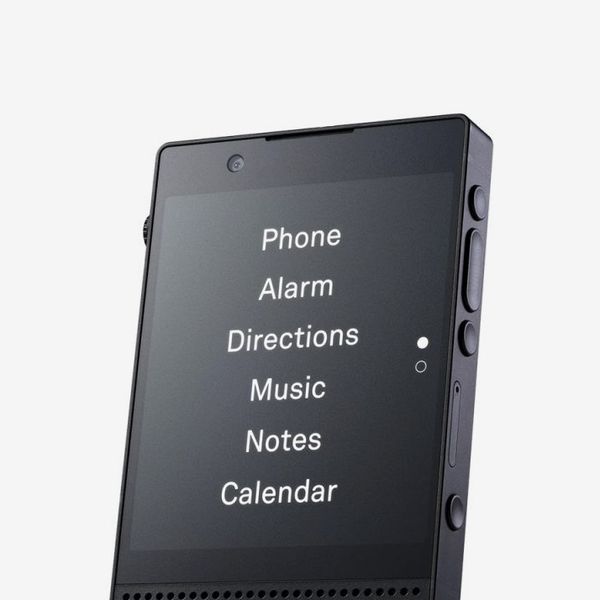
A totally distraction-free phone that feels as premium as an iPhone.

New! You can now save this product for later.
Tap your phone on this tiny gadget to block out all your most distracting apps.
New! You can now save this product for later.
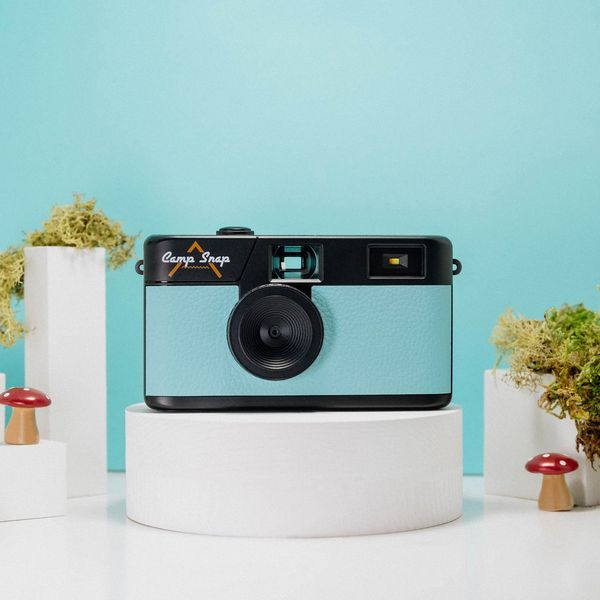
A screen-free camera to help you capture every shot with intention.
New! You can now save this product for later.
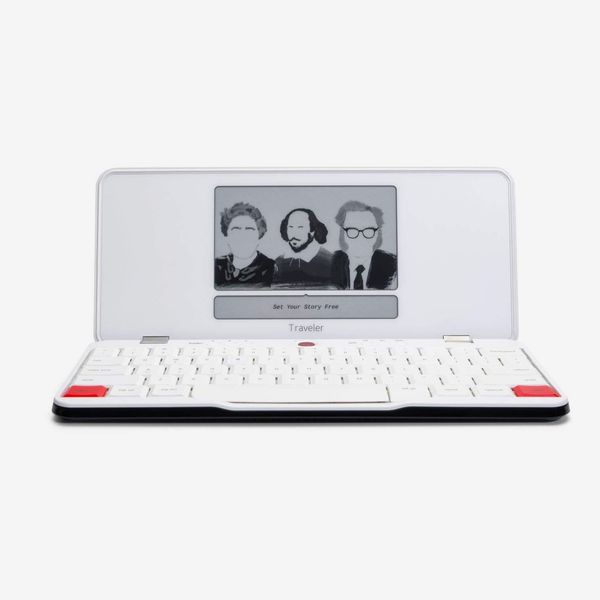
My favorite way to type on the go, with no emails or Slack pings to steal my attention.
New! You can now save this product for later.
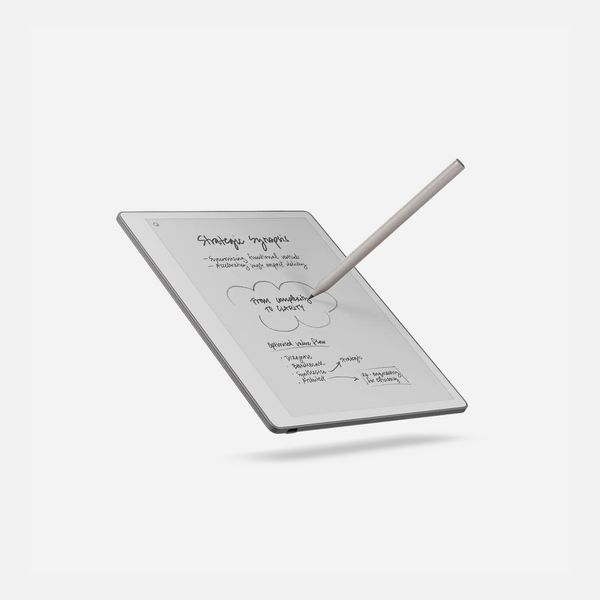
This digital notebook feels closer to writing on paper than any other tablet I've tried.
More From The Strategist
- Hark, the Advent Calendars Arrived (Very) Early This Year
- The Best Things Strategist Editors Have Bought This Year (So Far)
- 63 Things You Should Never Buy Full Price
- The Strategist Fall 100
The Strategist is designed to surface useful, expert recommendations for things to buy across the vast e-commerce landscape. Every product is independently selected by our team of editors, whom you can read about here. We update links when possible, but note that deals can expire and all prices are subject to change.