This Fujifilm Camera Gives Me Film Photos Without the Processing


A few months ago I took part in the competitive sport of purchasing a Fujifilm X-T30 II. First released in 2021, this retro-looking, TikTok-viral mirrorless camera is still routinely back ordered everywhere, and I spent weeks lurking in B&H Photo’s used department in order to secure even a secondhand one. I’d first considered several similar Fujifilm models, but those were all sold out, too.
The brand’s X-series cameras look and feel like old-school analog film cameras yet create extremely high-quality digital images, and the best-of-both-worlds concept has proven popular with nostalgic hobbyist photographers. All models come with built-in “film simulation” presets that mimic different 35-mm film stocks, and the actual experience of taking a photo is also something of a throwback because you can switch settings using manual dials and switches on the camera body rather than relying totally on the LCD screen. Most bodies can be fitted with Fujifilm’s interchangeable X-mount lenses, making them versatile for all styles of shooting, from street photography to portraiture to nature photography.
My aging iPhone 12 Pro Max takes fantastic photos in nearly all lighting scenarios, but the images do have that signature 2020s smartphone-photography look: artificially bright and flat, a little pixelated when you pinch-zoom in on their details. I’ve often supplemented them with dreamier 35-mm photos taken with either a Pentax K1000 or Olympus Mju Zoom, but film processing is expensive. It seemed like the X-T30 II could bridge the gap between vibe-y and convenient memory capturing.
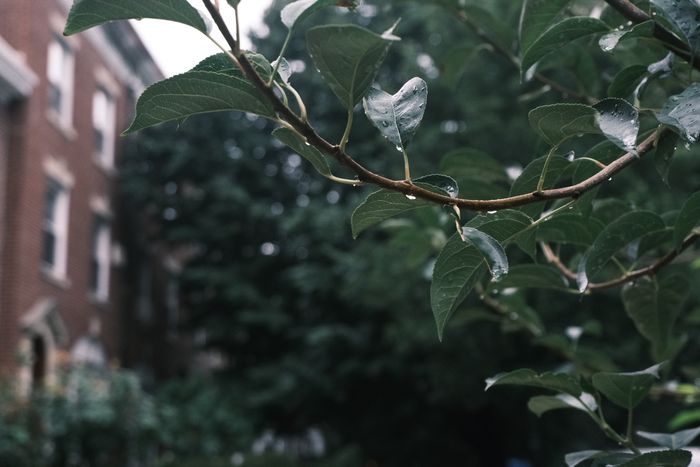
It does just that. Even just using the cheapest 15- to 45-mm kit lens, the camera creates beautiful JPEG photos that require little to no editing to make the colors pop and can be wirelessly transferred to my phone via Fujifilm’s XApp. For me, this is a big sell. While some people seem to enjoy playing around with presets on Lightroom, as a procrastinator who also sort of hates computers, I can’t think of anything worse than shooting in RAW then having to go through and edit hundreds of photos after every social event or vacation. Especially as doing so would also require purchasing a pricey Adobe subscription.
I grew up deep frying my early iPhone photos with the original, deeply ugly set of Instagram filters (Kelvin, anyone?) and was worried at first that Fujifilm’s film simulations would just put an artificial-looking wash of color over the top of my carefully exposed, 26-megapixel shots. But actually Fujifilm’s color processing takes place in real time, rather than being applied after the fact, and drastically affects how the camera’s sensor responds to light. Although this does mean that once you’ve taken a photo using a certain film simulation, you can’t meaningfully change the look of it without editing software. (It’s best to shoot in RAW as well as JPEG if you want to do this.)
Although you can add levels of grain to each photo, Fuji’s film-simulation photos don’t replicate the light leaks and exposure imperfections that you may associate with amateur film photography. They make pictures that prioritize color grading but also image quality; think Contax or Leica SLRs, not disposable wedding camera. You can even adjust the film simulations to create new presets (referred to within the Fuji community as “film recipes”) with different levels of white balance, clarity, and saturation. If you’re used to shooting with a particular non-Fuji film stock, such as Kodak Portra, certain inputs will help re-create its signature warm skin tones.

Compared to the simplicity of AI-powered smartphone photography, with which you basically never have to think about anything other than the composition of your shot, there’s a steepish learning curve to using any manual camera, let alone one with this degree of customization options. But Fujifilm’s endless dials and settings make figuring out aperture, ISO, and shutter speed lots of fun. There’s a passionate online community of Fuji lovers out there making videos and Reddit posts full of tips and tricks and, for times when you just can’t be bothered, taking photos in automatic (or, at a slightly more complex level, aperture priority) mode still produces gorgeous photos.
To be honest, my X-T30 II has proven to be a more worthy successor to my iPhone than my film cameras. Its photos actually don’t look particularly digital or analog — they’re just very nice to look at, being vivid in color, depth, and detail. Although I’ll occasionally adjust exposure after the fact, they basically don’t require any additional fiddling. They are also genuinely fun to compose, whether using the electronic viewfinder or LCD screen. Just clicking the metal shutter button feels satisfying, as though you’re communing with generations of photographers who came before you.
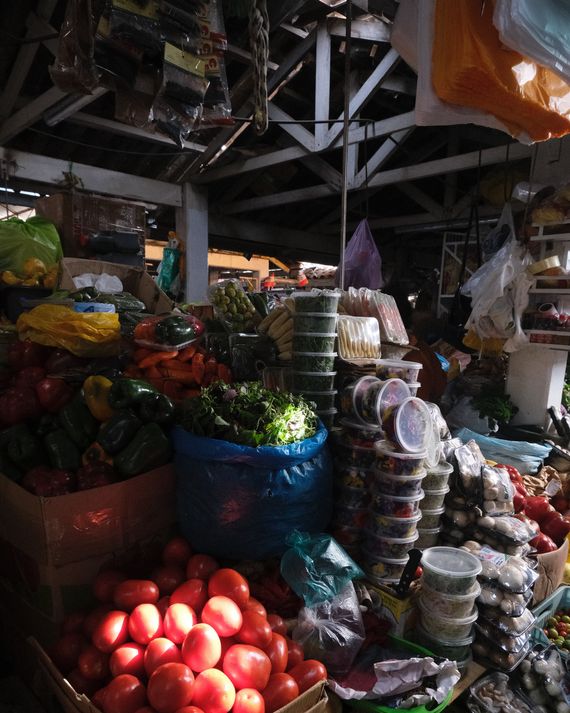
As they’re relatively small and lightweight, Fujifilm’s X-series cameras are particularly good for travel and everyday shooting. On recent trips it has felt amazing to keep my iPhone in my bag all day and just snap away with the X-T30 II around my neck, happily “wasting” the digital film by taking endless variations of the same photo until I get it right; mirrorless cameras are an underrated way to decrease smartphone screen time.
I’ll still pull out my Olympus Mju so I can have a roll of surprise shots, but Fujifilm images form the bulk of my albums at this point. Which is a relief, given how hard it was to get ahold of a camera and start capturing them in the first place.
The best looks-like-film digital cameras
New! You can now save this product for later.
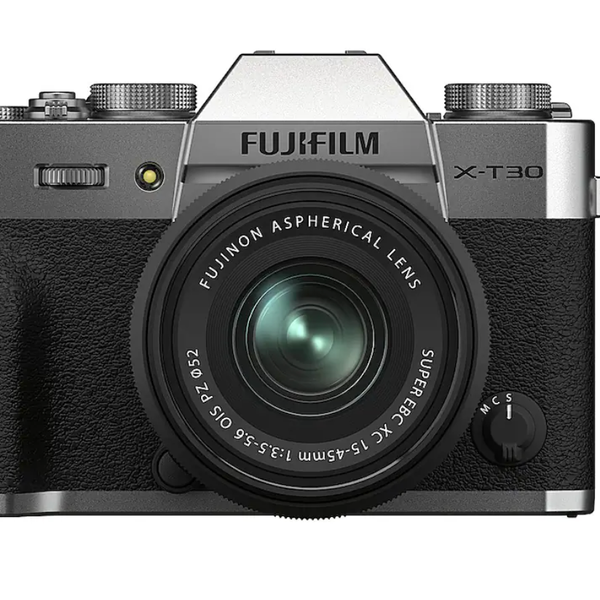
The X-T30 II sells out quickly every time it comes back in stock, but for now it’s available for purchase at Best Buy with an included 15- to 45-mm kit lens.
New! You can now save this product for later.
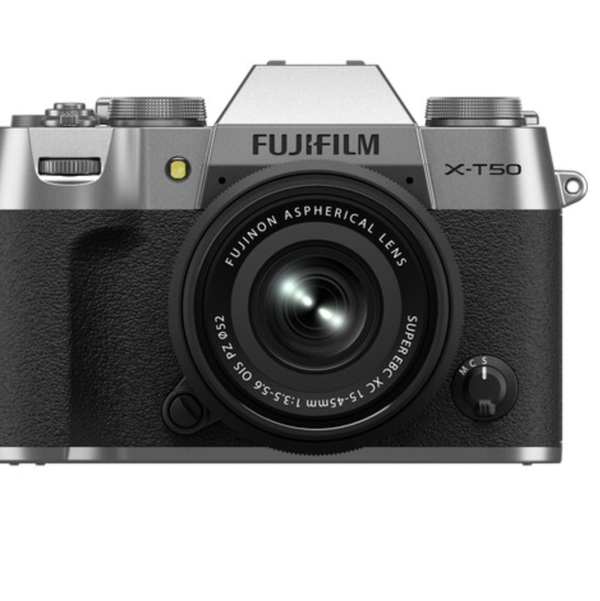
More reliably available is Fujifilm’s slightly more expensive and advanced X-T50 camera, which has a dedicated film-simulation dial that makes it even easier to switch up the look of your photos according to situation and mood.

New! You can now save this product for later.
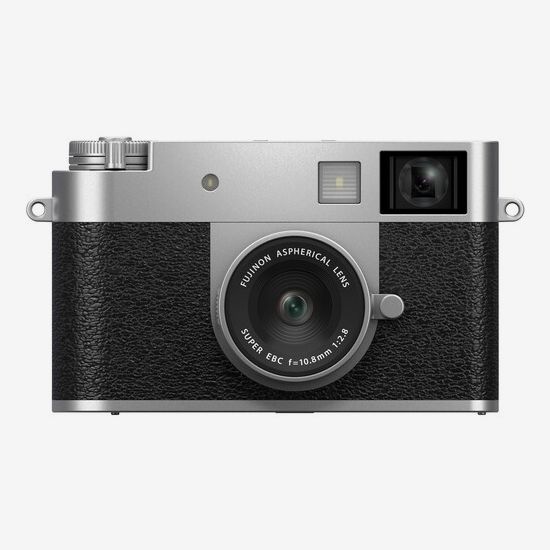
Fujifilm X Half
For those who used to shoot half-frame back in the day, this tiny Fujifilm camera takes side-by-side digital photos. When used in film-camera mode, you can shoot using only one film simulation at a time, and those images are only viewable after finishing a full 36-shot “roll.”
New! You can now save this product for later.
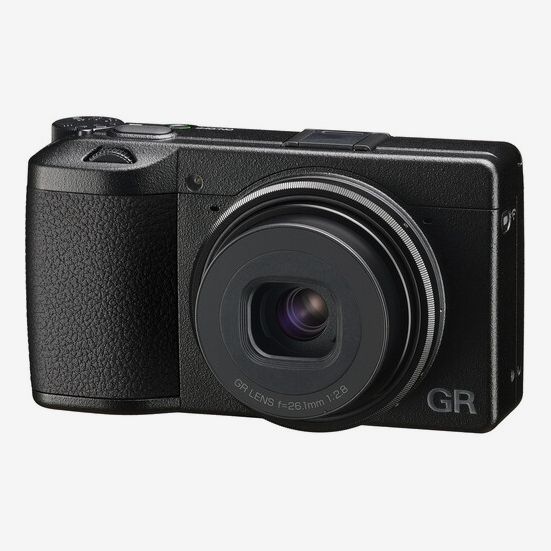
Ricoh’s fixed-lens GR camera is also very portable, and its filmlike photos are particularly striking in black-and-white mode. “It gets such fun party pictures,” says actor Chace Crawford, who has been using one for ten years. “It’s a huge hit at weddings.”
New! You can now save this product for later.
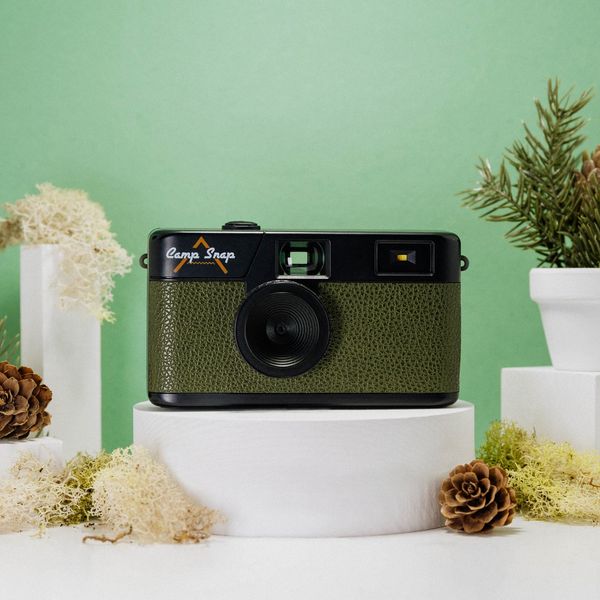
At a much more affordable price point, “the Camp Snap is the first digital camera I’ve ever used that captures some of what I love about that film photography,” says Strategist senior editor Winnie Yang. “It’s as light and pocket-size as a disposable camera but digital, rechargeable, and simple to use.” Since there’s no screen, you use the viewfinder to frame your shots. Then you can see the photos only once you’ve connected the camera to a computer.
More From The Strategist
- Hark, the Advent Calendars Arrived (Very) Early This Year
- The Best Things Strategist Editors Have Bought This Year (So Far)
- 63 Things You Should Never Buy Full Price
- The Strategist Fall 100
The Strategist is designed to surface useful, expert recommendations for things to buy across the vast e-commerce landscape. Every product is independently selected by our team of editors, whom you can read about here. We update links when possible, but note that deals can expire and all prices are subject to change.